 Back to articles

6 Best Nango Alternatives for CRM & Salesforce Integrations (2026)
A practical comparison of code-first platforms, unified APIs, and iPaaS tools for deep CRM and Salesforce integrations

Chris Lopez
Founding GTM
6 Best Nango Alternatives for CRM & Salesforce Integrations (2026)
You're evaluating Nango alternatives. That means you already know the value of a code-first integration platform: version-controlled configs, open-source connectors, auth and token management, and native API access without lowest-common-denominator abstractions.
Nango is a solid tool. It gives you authentication infrastructure, 400+ API connectors, and the flexibility to build around some of your needs. The tradeoff is that you're building the data models, sync mechanisms, and field mappings yourself. For some teams, that's the point. For others, it's a bottleneck and a massive time sink.
Ampersand is the closest alternative to Nango for those looking for the same code-first philosophy, same developer-focused workflow, same open-source connectors. The difference: Ampersand includes pre-built sync infrastructure and native custom object support, so you ship integrations faster without sacrificing flexibility and emphasizes depth of integrations with the core Systems of Record businesses rely on, like Salesforce, HubSpot, NetSuite, SAP, and more. In addition, Ampersand handles auth and token management out of the box, so you can get building and not worry about refreshes and storage.
The other tools in this guide take fundamentally different approaches. Hotglue and Unified.to offer different architectural patterns for data movement. Workato, Paragon, and Tray focus on visual workflow automation. These can work for certain use cases, but they're solving different problems than Nango solves.
Nango Alternatives Comparison Table
| Tool | Starting Price | Approach | Best For | Custom Objects | Real-Time |
|---|---|---|---|---|---|
| Nango | $50/month | Code-first | Teams wanting full architectural control | Build yourself | Polling |
| Ampersand | Free tier offered | Code-first | Code-first teams wanting managed sync infrastructure | Yes | Yes (live) |
| Unified.to | $750/month | Unified API | Real-time pass-through, zero-storage compliance | Build yourself | Yes (live) |
| Hotglue | Contact sales | iPaaS | Embedded ETL Data warehouse sync and bulk data movement | Yes | Polling |
| Workato | ~$84K/year | iPaaS | Enterprise automation across 1,200+ apps | Dynamic mapping | Polling |
| Paragon | Contact sales | iPaaS | Visual workflows with embedded portal | Enterprise tier | Polling |
| Tray.io | Contact sales | iPaaS | Low-code automation for non-technical teams | Limited | Polling |
Code-First vs Unified APIs: The Core Distinction
The Nango alternatives landscape splits into two camps: code-first platforms and unified APIs. This determines what you can build long-term.
Code-first platforms like Nango and Ampersand give you native API access. You work with Salesforce's actual API, not an abstraction layer. When Salesforce releases new features, you can use them immediately. When your enterprise customer has custom objects with 47 custom fields, you access them directly. Your integrations live in version control alongside your application code.
Unified APIs like Unified.to take a different approach. They normalize multiple APIs behind a single interface. You call one endpoint, and it works across Salesforce, HubSpot, and Pipedrive. The tradeoff: you're limited to the lowest common denominator. Features that exist in Salesforce but not HubSpot disappear from your unified model. Custom objects require workarounds or tier upgrades.
For teams building serious CRM integrations, especially those serving enterprise customers with complex Salesforce configurations, code-first wins. You're not fighting the abstraction layer when requirements get complicated. The unified API approach works better for horizontal products that need basic CRM data from many sources without deep functionality in any of them.
The 6 Best Nango Alternatives
Quick Selection Guide
| If You Need... | Choose... |
|---|---|
| Closest Nango alternative with more pre-built infrastructure and integration depth | Ampersand |
| Unified API for shallow, category-wide integrations | Unified.to |
| 1,200+ connectors, enterprise workflow automation | Workato |
| Visual builder with embedded UI | Paragon or Tray.io |
1. Ampersand: Best Nango Alternative for Deep Integrations
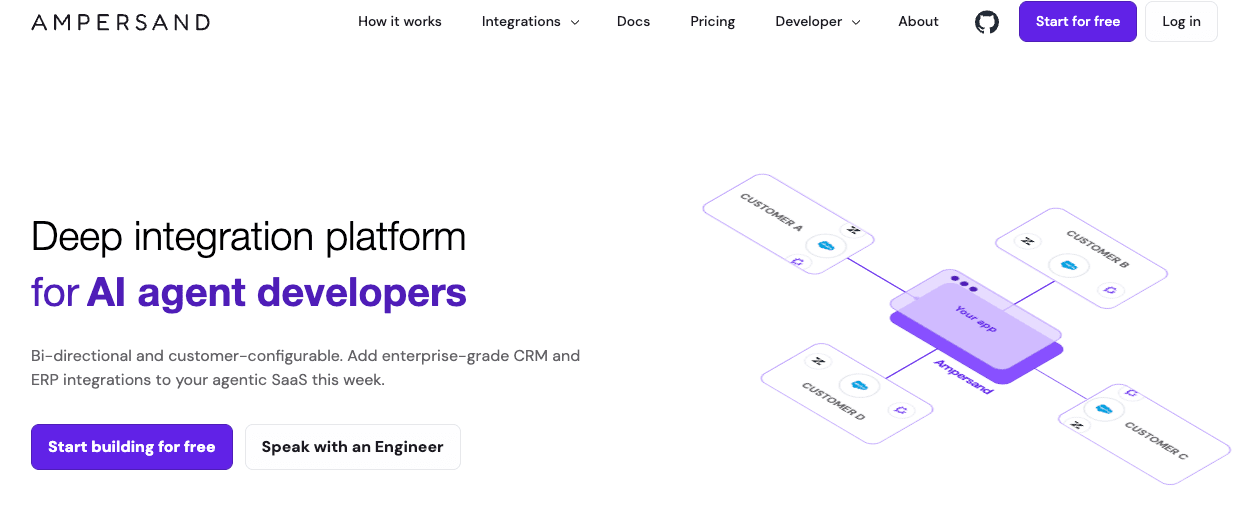
Ampersand shares Nango's code-first philosophy but takes a different architectural approach. Where Nango gives you building blocks and expects you to assemble the sync infrastructure, Ampersand ships the entire orchestration layer out of the box. You define integrations in declarative YAML files that live in your repo, and the platform handles data synchronization, field mappings, OAuth token management, retries, and rate limiting.
The open-source connectors library supports 200+ SaaS platforms and growing.
Best For
Engineering teams building AI-powered products that need real-time CRM and SaaS data for enterprise Systems of Record. Particularly strong for voice agents, sales automation, accounting and billing, agentic finance products, and any use case where polling latency kills the user experience.
Pros
- Subscribe Actions deliver sub-second webhooks. Ampersand's real-time event system pushes Salesforce and HubSpot changes to your app in under a second. The engineering team at 11x used this to cut their AI phone agent's CRM response time from 60 seconds to 5 seconds. Nango's fastest polling interval is 15-30 seconds, which works for batch workflows but breaks conversational AI.
- Custom objects and fields work natively on all tiers. Enterprise Salesforce instances are customization nightmares. Ampersand reads and writes to any object or field without upcharges or tier restrictions. Nango supports custom fields too, but you'll build the mapping logic yourself using their SDK which can sink engineering time and derail product and sales timelines.
- Declarative YAML keeps integrations version-controlled. Your
amp.yamlfiles commit alongside application code. CI/CD pipelines deploy integration changes the same way they deploy features. Your engineers will thank you. - Token import/export prevents vendor lock-in. If you've already collected OAuth credentials from customers, you can import them. If you leave Ampersand later, you can export them. This is a genuine differentiator in a space where most vendors treat credentials as leverage for vendor lock-in.
- AI SDK and MCP server included. Ampersand provides an AI SDK that exposes integrations as tools for LLMs and AI agents. If you're building agentic workflows, this removes a layer of glue code.
- SOC 2 Type II, GDPR, and ISO 27001 compliant. The certifications enterprise procurement teams require are already in place.
- Managed DevOps eliminates maintenance burden. Retries, error handling, backfills, rate limit management, and detailed sync logs come standard and not behind a paywall. The observability dashboard surfaces problems before your customers notice them.
Cons
- Requires YAML configuration. Ampersand’s declarative approach is powerful and allows for deeper, more robust integrations but has a learning curve. Teams comfortable writing integration logic in TypeScript may find Nango's function-based model easier for surface-level integrations.
- No free self-hosting option. Nango lets you self-host the auth layer for free. Ampersand's self-hosting requires an Enterprise agreement. If running integration infrastructure in your own VPC is non-negotiable from day one, that's a consideration.
Pricing
Ampersand prices on data delivered (measured in GB), not connections or API calls. Custom objects and fields cost the same as standard ones.
Ampersand has four pricing tiers:
- Free - 2 GB (one-time). Aimed at companies testing and exploring Ampersand.
- Catalyst - 2 GB/month for $999/month
- Accelerate - Custom GB and pricing
- Enterprise - Custom GB and pricing with unlimited onboarded customers
Token management is free. You can import existing credentials and export them if you leave.
For context, Ampersand estimates that an early-stage customer with 8,000-10,000 CRM records and light daily updates uses roughly 0.10 GB/month. A mid-market customer with 80,000 records averages about 0.30 GB/month.
2. Unified.to: Best Unified API architecture
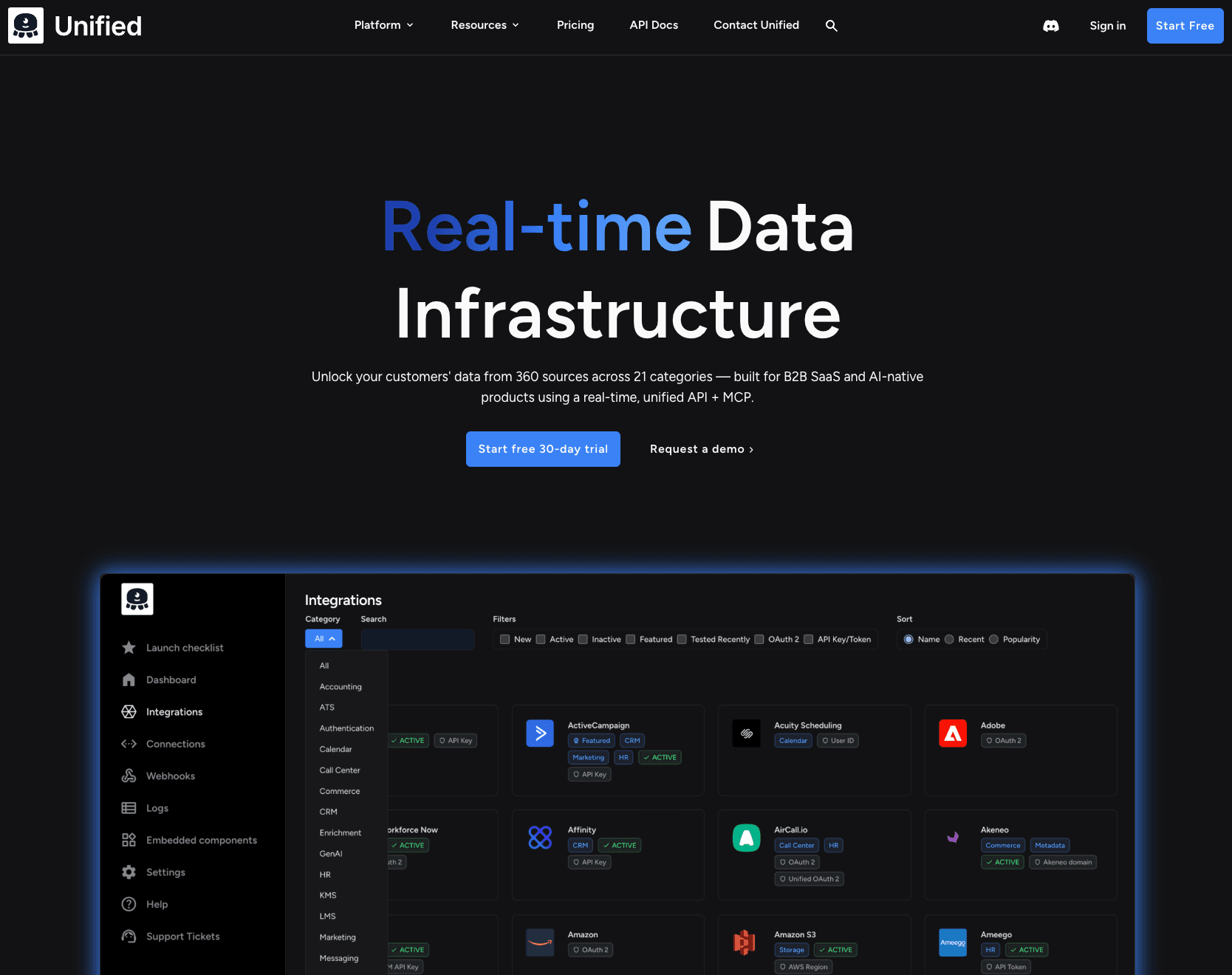
Unified.to takes a unified API approach but with an architectural twist: zero data storage. Every request hits the source system live.
You're trading native API access for a normalized interface across 376 integrations. The pass-through design means you always get fresh data, but you're limited to what their unified models support.
Best For
Teams prioritizing real-time data freshness and zero-storage compliance over native API flexibility.
Pros
- Zero data storage architecture. Every API call hits the source system directly. No cached data sitting on third-party servers. This simplifies compliance conversations with security-conscious customers.
- 376 integrations across 24 categories. Broader category coverage than most unified APIs, including CRM, HRIS, ATS, accounting, e-commerce, and ticketing.
- Virtual webhooks for systems without native support. Unified.to polls on your behalf and delivers webhook-style notifications, even for APIs that don't support webhooks natively.
- Unified MCP for LLM tool calling. Exposes integrations as callable tools for AI agents through a single MCP server.
Cons
- Unified API limitations apply. Custom objects require building your own abstraction on top. You lose the native API access that makes Nango valuable for complex Salesforce configurations.
- No field mapping UI. You handle mapping between unified schemas and your data models in code and don’t have full control over deep specifics.
- Pass-through adds latency. Every request hits the source API. For high-volume reads, this is slower than platforms that cache and sync data locally.
Pricing
Starting at $750/month (Growth tier, 750K API calls). Scale tier at $3,000/month for 6M calls. Enterprise pricing available for single-tenant deployments.
Bottom Line
Unified.to optimizes for data freshness and zero-storage compliance. Nango and Ampersand optimize for native API flexibility.
3. Hotglue: Best for Data Warehouse Sync and Bulk ETL
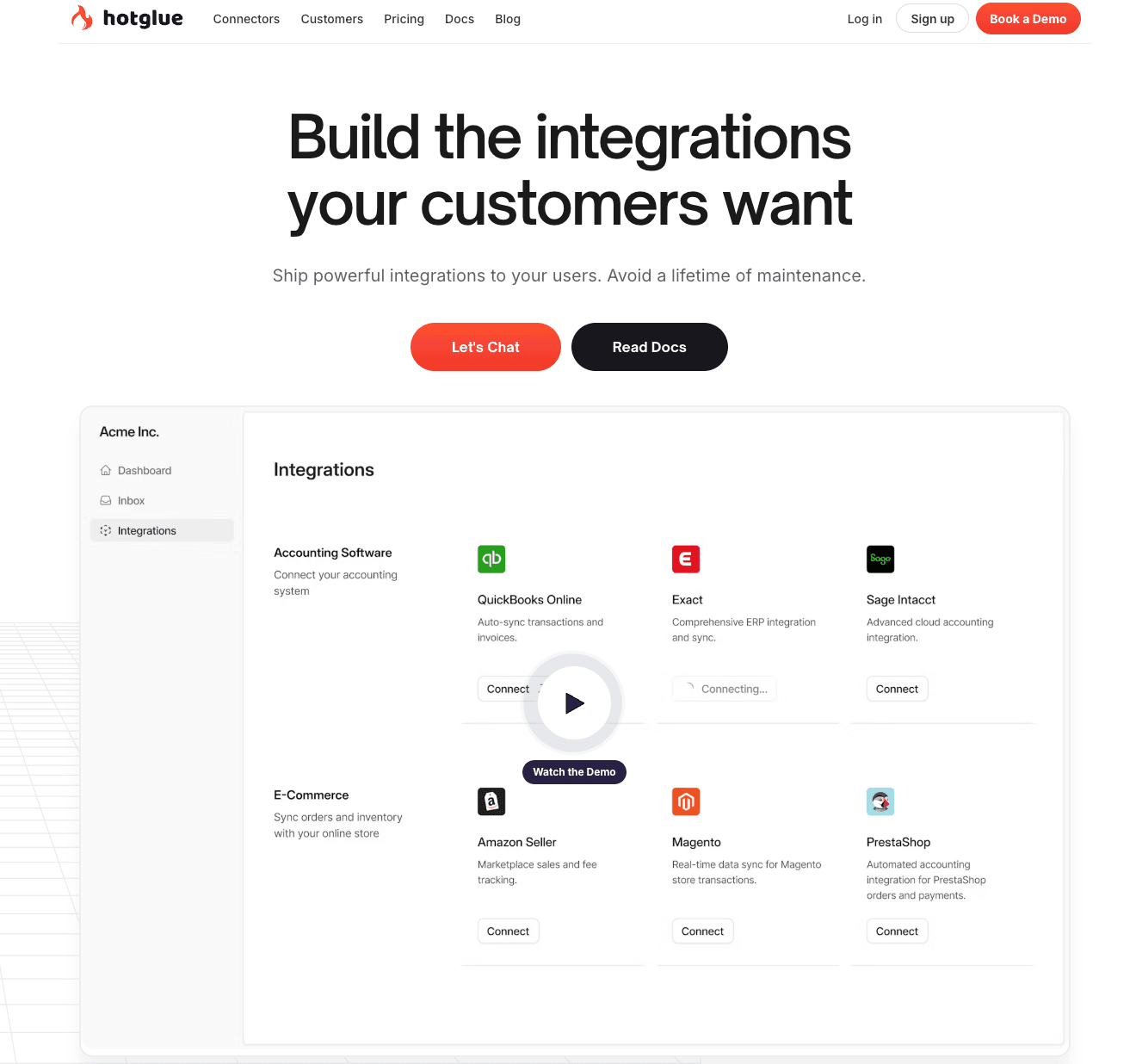
Hotglue is an embedded ETL platform built on open-source foundations. Where Nango focuses on authentication and API access, Hotglue specializes in moving large volumes of data from SaaS applications into your data warehouse.
The platform supports 600+ open-source connectors compatible with Singer and Airbyte specs. You get a Python transformation layer for data manipulation and a white-labeled widget for customer authentication.
Best For
Teams building data-intensive products that need to sync bulk data from customer SaaS tools into warehouses or databases. Strong fit for analytics platforms, reporting tools, and data aggregation products.
Pros
- 600+ open-source connectors. Hotglue natively supports all Singer spec and Airbyte YAML connectors. The open-source foundation means you can create custom connectors using the Singer SDK without waiting on the vendor's roadmap.
- Python transformation layer. Write transformation scripts to standardize data before it reaches your backend. The code-first approach gives you full control over data manipulation and formatting.
- Handles bulk data well. The platform is built for large-volume, production-grade pipelines.
Cons
- ETL focus limits workflow capabilities. Hotglue is designed for data extraction, transformation, and loading—not multi-step workflow automation. If you need complex orchestration logic, you'll need to build it yourself or use a different tool.
- Not optimized for real-time sync. The platform is designed for bulk and incremental syncs, not real-time pass-through. For AI agents requiring sub-second response times, this architecture introduces latency.
- Widget customization constraints. While Hotglue provides flexibility for engineering teams, users note that "their embeddable widget is somewhat restrictive" compared to fully customizable embedded experiences.
- Pricing not transparent. All plans require contacting sales. No public pricing makes budget planning difficult before sales conversations.
Pricing
Contact sales for all tiers. Pricing is based on active tenants, not data volume.
Plan Features Recommended
For Basic Unlimited connectors, Python transformation, white-label widget, managed auth, custom field mapping Small to midsize companies with up to 50 customers
Pro Everything in Basic, plus white-label API, observability integrations, on-premise connectors Midsize companies with up to 200 customers
Enterprise Everything in Pro, plus enterprise SLA, connector sandbox, custom region hosting Midsize to large companies wanting guaranteed uptime
Annual plans available with one month discount. Free trial available by contacting the team.
Bottom Line
Hotglue solves a different problem than Nango. Where Nango gives you authentication infrastructure and API connectors for building integrations, Hotglue gives you an ETL pipeline for moving bulk data into warehouses. Choose Hotglue when your product needs to ingest and transform large volumes of customer data. Choose Ampersand or Nango when you need real-time, bi-directional CRM integrations.
4. Workato Embedded: Best for Enterprise Workflow Automation
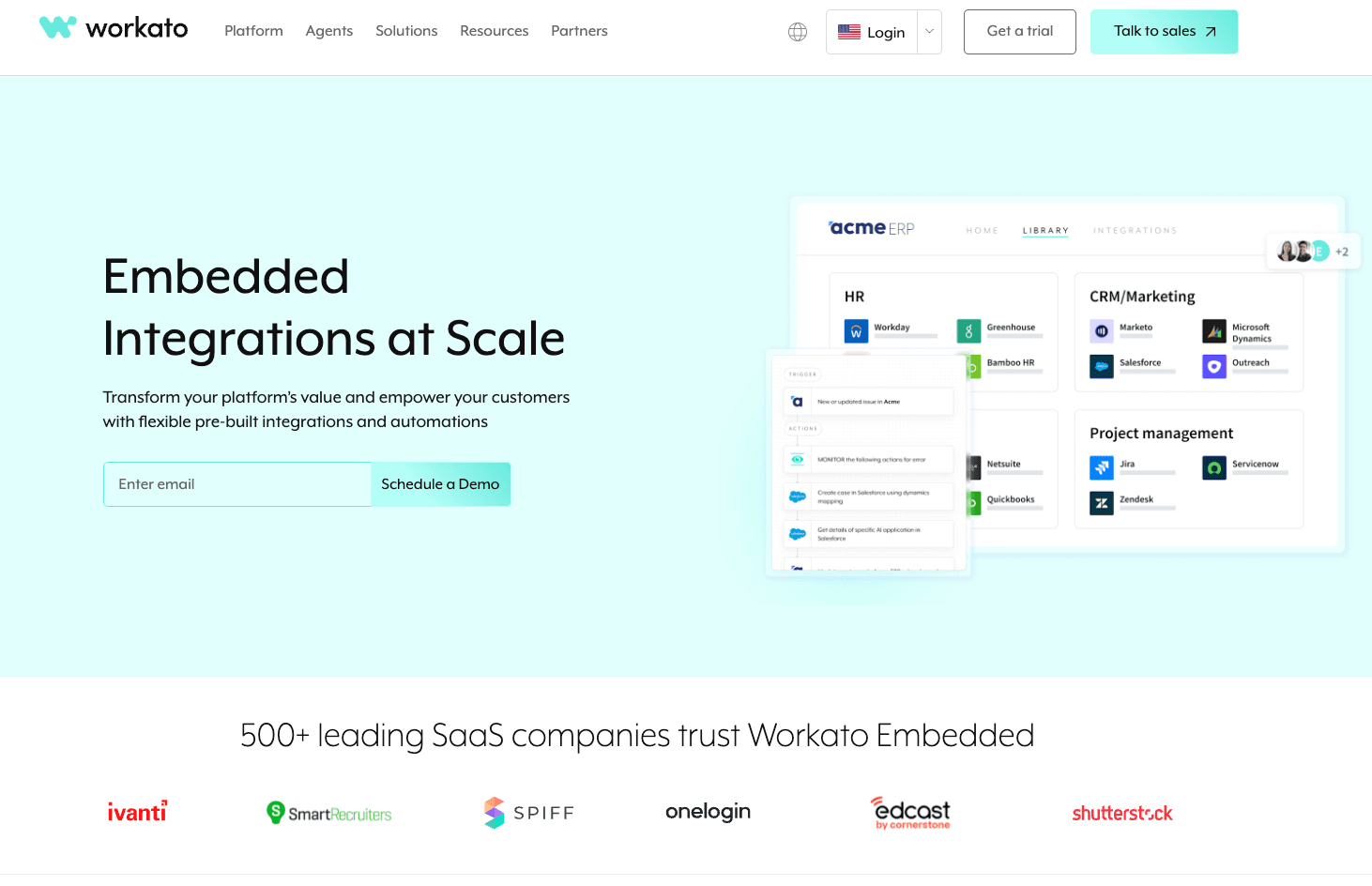
Workato is an iPaaS platform, not a code-first integration tool. It solves different problems than Nango: multi-step workflow automation across 1,200+ applications with visual recipe builders.
If you're looking for a Nango alternative because you need workflow orchestration rather than data integration, Workato makes sense. If you want code-first control over CRM integrations, it's the wrong category.
Best For
Enterprise teams needing complex workflow automation across many business systems, where integration is part of a larger orchestration problem.
Pros
- 1,200+ pre-built connectors. The largest connector library in this comparison by a wide margin. If an enterprise app exists, Workato probably connects to it.
- Visual recipe builder with 400,000+ templates. Non-engineers can build and modify workflows. Community templates accelerate common use cases.
- Multi-tenant management for embedded use cases. Workato Embedded lets you offer integration capabilities to your customers with tenant isolation.
- Dynamic field mapping for end customers. Your users can configure their own field mappings without engineering involvement.
Cons
- Not code-first. Workflows live in Workato's visual builder, not your codebase. No version control, no CI/CD, no code review for integration changes, so you get less control of the integration.
- Expensive. Third-party research suggests $128K+ annually for enterprise tiers. Task-based billing where each recipe step counts adds up quickly.
- Overkill for straightforward CRM integrations. If you just need to sync Salesforce data, Workato's workflow orchestration capabilities are unnecessary complexity.
Pricing
Starting at approximately ~$100k/year for enterprise tiers. Task-based billing model. Contact sales for specifics.
Bottom Line
Choose Workato when you need enterprise workflow automation across many systems. It's not a direct Nango alternative; it's a different tool category solving different problems.
5. Paragon: Best for Visual Workflows with Embedded Portal
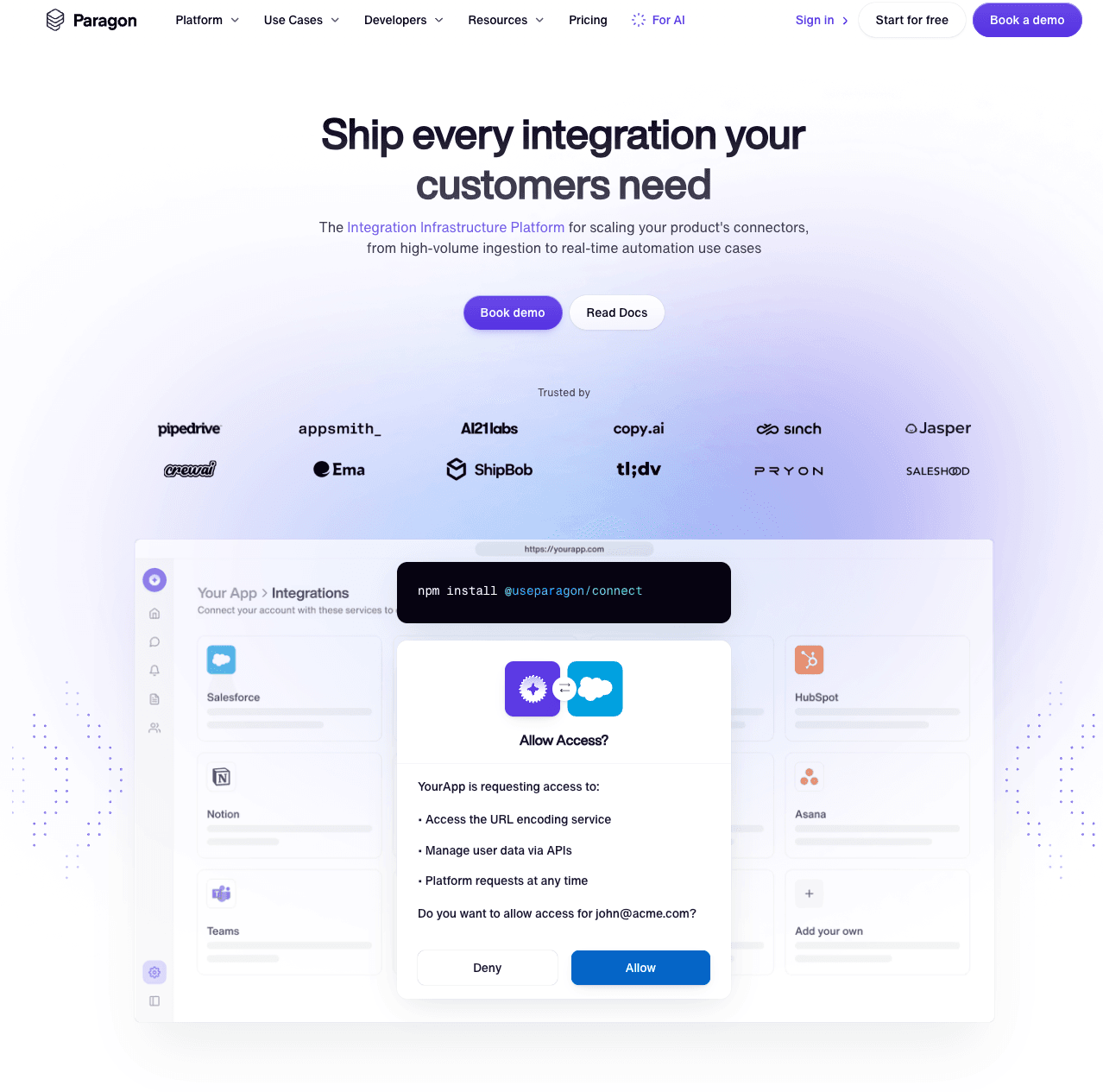
Paragon offers three products: Workflows, Managed Sync, and ActionKit. The embedded Connect Portal provides white-labeled UI for end users. It's positioned between iPaaS complexity and unified API simplicity.
Like Workato, Paragon targets workflow automation more than code-first data integration. The visual builder and embedded UI differentiate it from Nango's developer-focused approach.
Best For
Teams wanting to offer customer-facing integration configuration through an embedded UI, with visual workflow building for internal teams.
Pros
- Embeddable Connect Portal with full branding control. Your customers configure their own integrations through a white-labeled UI that lives inside your product.
- 130+ pre-built connectors plus custom connector builder. When a connector doesn't exist, you can build it without waiting on Paragon's roadmap.
- MCP server for agentic integrations. ActionKit exposes integration endpoints as tools for AI agents.
- Three products for different integration patterns. Workflows for automation, Managed Sync for data pipelines, ActionKit for AI. Pick what you need.
Cons
- Enterprise-gated features. SSO, RBAC, and per-customer field mappings require Enterprise tier. These are table stakes for many B2B products.
- Pricing opacity. No public pricing. Pro and Enterprise tiers require sales conversations to understand costs.
- Not code-first. Visual builder approach means integrations don't live in your codebase.
Pricing
Contact sales. Pro and Enterprise tiers available with no public pricing.
Bottom Line
Paragon fits teams wanting embedded UI and visual workflows. Different approach than Nango's code-first philosophy. The Connect Portal is genuinely useful if customer-facing configuration matters to your product.
6. Tray.io Embedded: Best for Non-Technical Team Automation
Tray provides visual drag-and-drop automation for citizen integrators. 600+ connectors with workflow templates. Embedded capabilities for SaaS products.
This is the furthest from Nango's approach. If your team chose Nango for code-first control, Tray's visual builder is a step backward. If non-technical users need to build automations, it's a different tool for a different job.
Best For
Organizations where non-technical teams (ops, RevOps, customer success) build and maintain integrations without engineering involvement.
Pros
- Visual drag-and-drop workflow builder. No code required. Business users can build integrations independently.
- 600+ connectors across business apps. Strong coverage of sales, marketing, and operations tools.
- Workflow template library. Pre-built templates for common automation patterns reduce time to first workflow.
- White-labeled embedded solution. Offer Tray's automation capabilities to your customers under your brand.
Cons
- Not code-first. Workflows don't live in version control. No CI/CD integration. Engineering teams lose visibility and control.
- Task-based billing accumulates. Complex workflows with many steps consume tasks quickly. Costs can surprise you at scale.
- Limited for developers. If you want native API access and code-level control, Tray's visual abstraction gets in the way.
Pricing
Contact sales. Pro, Team, and Enterprise packages with usage-based billing.
Bottom Line
Choose Tray when non-technical teams build automations. Not a Nango alternative for engineering teams who value code-first control.
How to Choose the Right Nango Alternative
If you want the same code-first approach with more managed infrastructure: Ampersand. Same philosophy, less to build. Native custom objects, real-time sync, version-controlled configs, deeper integrations with core Systems of Records your customers actually care about.
If you need a Unified API: Unified.to. Different approach (unified API vs code-first) but strong on freshness and compliance.
If you need data warehouse sync and bulk ETL: Hotglue. Open-source connectors, Python transformations, built for large-volume data movement.
If you need workflow automation, not data integration: Workato or Paragon. Different problem space.
If non-technical teams build your automations: Tray. Different users, different tool.
For teams serving enterprise customers with complex Salesforce configurations, code-first platforms (Ampersand or Nango) remain the strongest choice. Unified APIs break down when custom objects and native features matter.
FAQs
What's the difference between Nango and Ampersand?
Both are code-first platforms with open-source connectors and developer-focused workflows. Nango provides authentication infrastructure and API connectors; you build the sync logic and data models. Ampersand includes managed sync infrastructure and native custom object support out of the box. Choose Nango for maximum control, Ampersand for faster time-to-production.
Is Ampersand better than Nango?
Ampersand reduces build time with pre-built sync infrastructure while maintaining code-first flexibility for deep and robust integrations with your customers’ core Systems of Record. Nango offers more self-hosting options. For teams needing custom objects and real-time AI integrations without building everything, Ampersand is typically faster to production.
Why choose code-first over unified APIs?
Code-first platforms give you native API access. You can use any feature the source API supports, including custom objects and fields. Unified APIs normalize everything to a common schema, which limits you to supported features. Enterprise Salesforce customers almost always have custom configurations that unified APIs can't handle well.
Can I migrate from Nango to Ampersand?
Yes. Both use similar code-first patterns. Ampersand's token import/export APIs let you migrate OAuth credentials without requiring customers to re-authenticate. Integration configs need rewriting in Ampersand's YAML format, but the concepts map directly.
How important are custom objects for CRM integrations?
Critical for enterprise customers. Salesforce admins customize objects and fields for their specific workflows. Standardized unified API schemas miss these configurations entirely. Ampersand handles custom objects natively. Ampersand lets you build custom connectors for any data structure.
Which Nango alternative is best for AI agents?
Ampersand for sub-second response times with native CRM access. Unified.to for real-time pass-through if you accept unified API limitations. Polling-based platforms (Hotglue, Workato, Paragon, Tray) introduce latency that doesn't work well for conversational AI or AI Agents as a whole.