 Back to articles

7 SaaS Integration Platforms for Customer-Facing Products (2026)
Compare native API access, customer-specific field mapping, managed sync, and embedded workflows for your SaaS product.

Chris Lopez
Founding GTM
TLDR
The best SaaS integration platform depends on what your customers need to do inside your product. For native CRM and ERP integrations with customer-specific objects and field mappings, start with Ampersand. For a shared API across several providers, evaluate Unified.to. For developer-authored integrations with a managed runtime, consider Nango. For embedded workflows, compare Paragon, Workato Embedded, n8n OEM, and Tray Embedded.
This guide is for SaaS product and engineering teams connecting to their customers' software. The important test is whether a platform can support the objects, permissions, writes, and configuration your product actually needs.
Comparison reviewed September 11, 2026. Published by Ampersand. Recommendations reflect the use cases below; this is a review of documented capabilities, not a head-to-head performance benchmark.
Best SaaS integration platforms at a glance
| Platform | Best fit | Approach | What to validate |
|---|---|---|---|
| Ampersand | Native, customer-configurable CRM and ERP integrations | Declarative integration infrastructure | Required provider operations, event support, and plan |
| Unified.to | Common data models across multiple SaaS providers | Unified API with pass-through access | Custom-field coverage and native versus virtual webhooks |
| Paragon | A product combining workflows, ingestion, and agent actions | Workflows, Managed Sync, and ActionKit | Product-specific sync behavior and mapping tier |
| Nango | Teams that want to own integration functions and data models | Code-first integrations on a managed runtime | Which logic is prebuilt and which your team must maintain |
| Workato Embedded | Broad integration and automation offerings for customers | Embedded recipes and customer workspaces | Deployment model, customer configuration, and commercial terms |
| n8n OEM | Letting customers build workflows in an embedded editor | Self-hosted workflow canvas and execution engine | Visible n8n branding, infrastructure ownership, and OEM terms |
| Tray Embedded | Reusable workflows with configurable customer instances | Embedded workflows, solutions, and APIs | Setup UX, connector operations, and Embedded agreement |
The vendor sections below link to current product and pricing sources. A connector count alone does not establish support for a particular custom object, write operation, or event.
What Is a SaaS Integration Platform?
A SaaS integration platform provides infrastructure that enables software products to connect with external APIs and exchange data programmatically. These platforms handle work such as authentication, rate limiting, retries, and data movement so engineering teams can focus on product features.
There are two different buying decisions within this category:
- Internal integration: Your team connects its own CRM, billing system, or warehouse to automate a business process.
- Customer-facing product integration: Every customer connects their own account to your product, chooses what data to share, and expects the integration to remain reliable.
The second requires customer-specific credentials, permissions, configuration, and operational visibility. An integration that works for your own Salesforce account is only the starting point for serving hundreds of different Salesforce organizations.
Types of SaaS Integration Platforms
Deep Integration Platforms
Deep integration infrastructure keeps provider-specific objects and fields available while managing the work needed to operate integrations. Ampersand uses declarative configuration and customer-facing mapping components for this approach. The goal is to make the customer's system of record usable as part of your product without maintaining a separate connector implementation for every customer. Ampersand overview
Unified APIs
A unified API standardizes access across a software category such as CRM, HRIS, or accounting. You build against shared objects, and the platform translates requests for each provider.
This can simplify broad coverage when the common model matches your requirements. Custom fields, custom objects, and passthrough access vary by provider and plan; check those capabilities before assuming a unified model either supports or excludes your use case. See our unified API platform comparison.
Embedded iPaaS
Embedded iPaaS platforms let teams build and deliver integration workflows within a SaaS product. Depending on the platform, engineers, solutions teams, or customers can configure those workflows.
Visual authoring is one option, rather than a defining restriction. For example, Paragon documents both TypeScript and low-code workflow authoring. Evaluate how integrations are built, versioned, configured, and operated for individual customers. Paragon platform capabilities
Internal iPaaS and Automation
Internal automation products connect a company's own systems. Some vendors also offer a separate embedded product or commercial arrangement. Compare the offering intended for your use case: an internal automation subscription is not necessarily the right package for shipping integrations to customers.
When Embedded iPaaS and Unified APIs Fall Short
The limits usually appear in a specific workflow, not in the category name. Test these four requirements before selecting a platform.
Custom Objects and Fields
A manufacturing SaaS product might need a customer's custom Product Configuration object in Salesforce, including its relationships to accounts and opportunities. Confirm that you can discover the schema, read the required fields, and write the relevant records through the chosen connector.
A common object model may be sufficient. A provider-specific endpoint or native integration may be necessary. The useful distinction is how much custom work remains after choosing the platform. Our custom object mapping comparison explores this decision.
Bi-Directional Sync Requirements
Reading contacts and writing an engagement score are separate capabilities. A write must respect the target field's type, permissions, validation rules, and relationships.
Ask what happens when a write fails, is retried, or conflicts with a user edit. Also establish which system owns each field. A successful read demonstration does not prove that the write-back path is production-ready.
Enterprise Customer Complexity
Customer-facing integration configuration must accommodate different schemas without turning every onboarding into an engineering project.
Consider an illustrative sales-intelligence product with a Company Size field:
| Product field | Customer A's Salesforce field | Customer B's Salesforce field | Decision to make |
|---|---|---|---|
| Company Size | NumberOfEmployees | Employee_Count__c | Who selects and validates the destination field? |
| Engagement Score | Engagement_Score__c | Buyer_Intent__c | Is the field writable for this customer's connection? |
| Last Activity | Last_Engagement__c | Latest_Touch__c | What happens if the source and destination disagree? |
During evaluation, connect two test organizations with different mappings. Have a customer administrator configure each one, perform a write-back, and inspect a failed operation. The exercise reveals whether the platform, your application, or your support team owns each step.
Ampersand's customer-specific field mapping is designed for this configuration problem. The field names above illustrate an evaluation scenario; they are not a claim about a deployed customer setup.
Real-Time Context for AI Agents
Separate three questions: how fresh is a read, how quickly does a source change arrive, and how long does a write take to complete?
A live API read can return current data while background sync still runs on a schedule. A webhook can notify you promptly only after the provider makes the event available. Measure the whole path your product depends on.
For an AI phone agent, that might mean the time from a Salesforce record change to a usable update in the agent's context. For a reporting product, a scheduled sync may be sufficient. Our AI-agent integration platform comparison focuses on those runtime requirements.
Best SaaS Integration Platforms for Customer-Facing Integrations in 2026
1. Ampersand
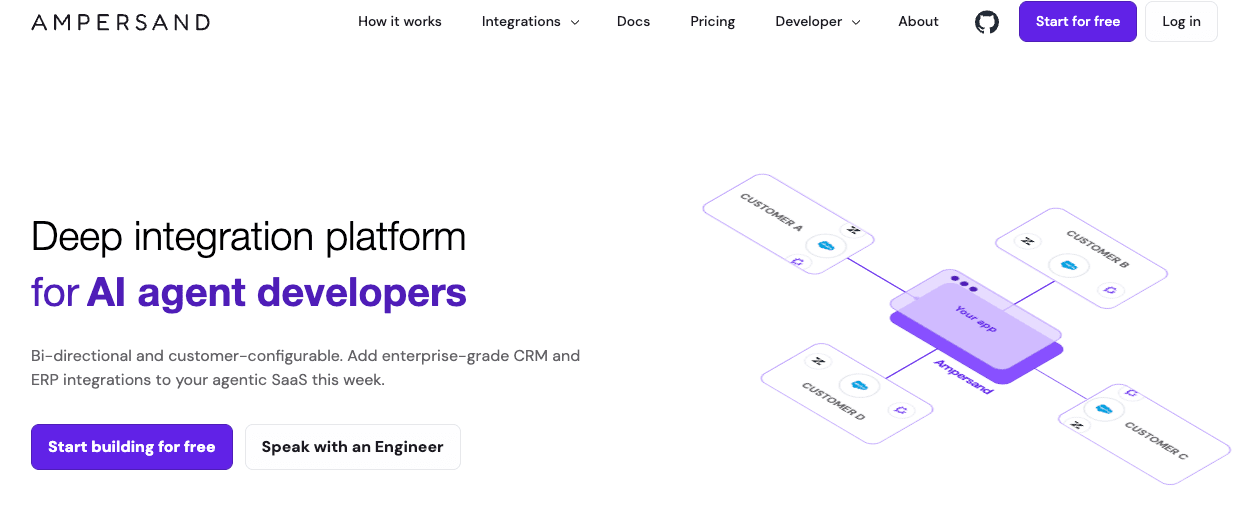
Best for: Engineering teams building native CRM and ERP integrations where customer-specific schemas and configuration are central to the product.
Ampersand provides declarative integration infrastructure with managed authentication and data operations. Engineers define integration behavior in configuration, while customer-facing components let users choose their object and field mappings.
Strengths
- Native integration configuration that preserves the provider-specific data your product needs.
- Customer-configurable object and field mappings.
- Read, Write, and Subscribe capabilities for different data-access patterns.
- Integration configuration that fits a developer-owned workflow.
What to evaluate: Validate the connector's supported operations and event coverage against a representative customer account. Your engineers still define the product's data model, permissions, and business behavior.
Customer evidence: On Ampersand's agents page, 11x reports reducing its AI phone agent Julian's response time from 60 seconds to five. This is a customer-reported application result, not a universal integration latency guarantee. The same page describes sub-second Subscribe delivery for Salesforce and HubSpot; it should not be generalized to every connector. 11x result and Subscribe capabilities
Pricing: Launch is free with a one-time 2 GB allowance, up to five production customers, and unlimited integrations. Catalyst starts at $999/month and includes up to 25 production customers and Subscribe actions. Higher-volume plans have custom pricing. Ampersand pricing
For a narrower shortlist, see our CRM integration tools and ERP integration platforms guides.
2. Unified.to
Best for: Products that want shared data models across providers and on-demand API access.
Unified.to offers a unified API with pass-through reads and writes, common models, and native and virtual webhook options.
Strengths
- A common interface can reduce provider-specific application code.
- Pass-through access is useful when a product needs to request source data on demand.
- Webhook options cover more than providers with native event support.
What to evaluate: Confirm the exact fields, custom objects, and operations available for each provider. Virtual webhooks use polling, so their delivery behavior differs from native events. A pass-through request and a background notification are different freshness guarantees. Unified.to webhook and usage explanation
Pricing: Review the current request allowance, webhook billing, and plan terms with your expected traffic. Successful webhook deliveries count toward API usage; avoid estimating costs from interactive reads alone. Unified.to pricing
3. Paragon
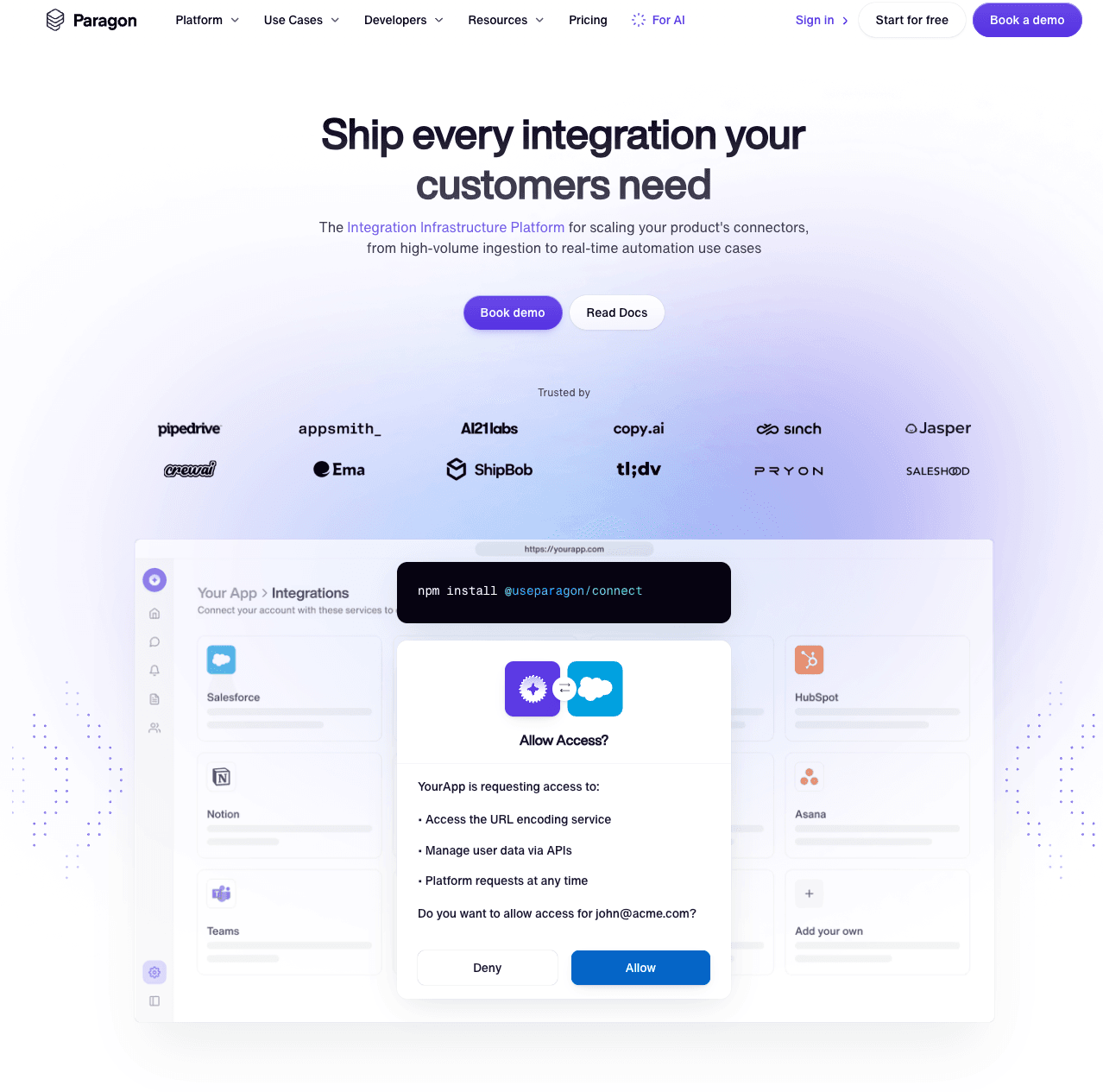
Best for: Products that need a combination of integration workflows, data ingestion, and AI-agent actions.
Paragon offers Workflows, Managed Sync, and ActionKit. Its current platform supports TypeScript or low-code workflow authoring, third-party webhook triggers, and synchronous actions through ActionKit.
Strengths
- Different integration surfaces for ingestion, workflows, and agent actions.
- Embedded UX or a headless SDK for customer connections.
- Code and visual authoring options.
What to evaluate: Test the specific product that will handle your workload. A Managed Sync frequency and an ActionKit response time answer different questions. Dynamic Field Mapping is listed under Enterprise, so include the required configuration features when comparing plans.
Pricing: Custom pricing, with usage tied to connected customer organizations. Request a quote for your expected customer count and feature requirements. Paragon products and pricing
4. Nango
Best for: Engineering teams that want to own integration functions and data models while using a managed execution platform.
Nango combines authentication with tools, syncs, webhook processing, and an integration runtime. Its current product includes retry and rate-limit handling, logs, metrics, and alerts.
Strengths
- Integration logic lives in code with local development and CI/CD support.
- Templates can be extended for provider-specific requirements.
- Managed runtime capabilities reduce the infrastructure engineers need to operate themselves.
What to evaluate: Identify which functions fit your requirements as supplied and which your team will customize. Include customer-facing configuration and mapping behavior in that assessment.
Pricing: A free tier is available. Pay-as-you-go starts at $50/month with $50 in monthly credits; usage includes connections, compute, and data transfer. Enterprise has custom terms. Nango pricing
5. Workato Embedded
Best for: SaaS teams offering a broad integration and automation experience across customer systems.
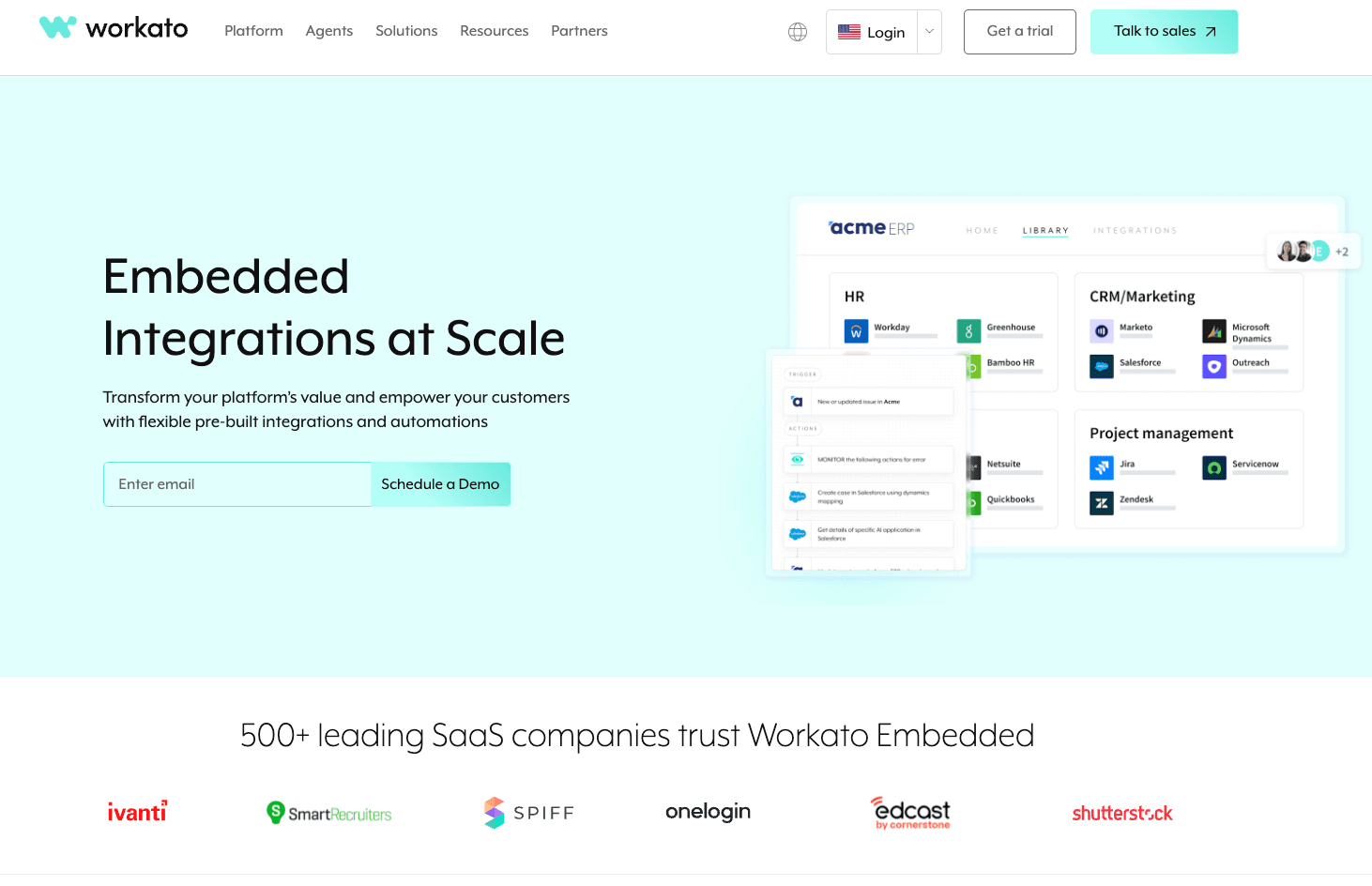
Workato Embedded provides reusable recipes, customer-management APIs, and managed-service, branded-access, and fully embedded delivery models. Its Connector SDK supports custom integrations.
Strengths
- A broad connector and recipe ecosystem.
- Several ways to expose or manage integrations for customers.
- APIs for provisioning and operating customer environments.
What to evaluate: Decide whether your team manages recipes for customers or customers configure them directly. Prototype the required objects, setup experience, and lifecycle of a customer-specific change. Recipe reuse reduces some work, but does not remove the need to design the integration.
Pricing: Request Embedded-specific commercial terms. The public pricing page does not publish a starting dollar price; internal iPaaS estimates are not a reliable substitute for an Embedded quote. Workato pricing
6. n8n OEM
Best for: Products that want customers to build and edit workflows in an embedded canvas.
n8n's OEM offering embeds its workflow editor into your application. It includes code and AI nodes, custom-node extensibility, and self-hosted deployment.
Strengths
- Customers can create and manage workflows from your product.
- JavaScript, Python, and custom nodes provide extension points.
- The runtime operates in your infrastructure.
What to evaluate: The current OEM offering retains n8n branding in the editor. Confirm that this fits your product experience and that your team can operate the deployment.
Pricing: OEM uses a commercial agreement based on an annual execution commitment. Its terms differ from backend use where customers do not see the editor. n8n OEM capabilities and commercial model
7. Tray Embedded
Best for: Teams building reusable integration workflows that customers activate and configure individually.
Tray Embedded organizes integrations into workflows, projects, and solutions, with configuration and authentication for customer instances.
Strengths
- Reusable workflow-based integrations.
- An embedded delivery model for customer-facing products.
- Custom connector development through Tray's Connector Builder.
What to evaluate: Walk through setup, customer-specific configuration, error handling, and an update to a shared integration. Choose the Embedded offering based on those needs rather than evaluating Tray only as an internal automation tool.
Pricing: Tray publishes plan features and uses custom quotes. Confirm Embedded packaging and expected usage directly; the public iPaaS plan list does not establish an Embedded starting price. Tray pricing
How We Evaluated B2B SaaS Integration Platforms
We reviewed current vendor product pages, documentation, and pricing, focusing on seven questions:
- Can the connector access the actual objects, fields, relationships, and operations the product needs?
- Who writes and maintains the integration logic?
- Can each customer configure credentials, mappings, and permissions?
- How are reads, writes, and events delivered?
- Can support teams inspect and recover an individual customer's failed operation?
- Which features and usage limits affect the commercial agreement?
- Does the integration fit the product's development and deployment process?
The recommendations describe fit for these requirements. They do not represent measured rankings for latency, reliability, or implementation speed.
How to Choose the Right Platform for Your Product
Choose a representative customer workflow before comparing the full roadmap. For example, connect a CRM account, map a custom score field, write a value, then inspect a validation failure and recovery. Repeat with a second customer whose schema is different.
For Ampersand, this is the central evaluation: can your team define the integration once and let customers supply their own configuration while managed infrastructure handles the recurring operational work?
For a unified API, test how far the common model takes you and where provider-specific behavior remains. For embedded workflows, test how a shared flow changes when customers require different fields and permissions. For a code-first runtime, estimate the integration logic and setup experience your team will still build.
Compare costs for the same number of customer accounts, data volume, event volume, and operational requirements. A free authentication tier, a workflow subscription, and a production plan with event subscriptions are different starting points.
Frequently Asked Questions
Is Ampersand better than a unified API?
Ampersand is worth evaluating when native schema access and customer-configurable integration behavior are core product requirements. A unified API can be a good fit when shared objects cover the use case. Test custom-field and write support on the actual providers you need rather than deciding from the category label.
Does an embedded iPaaS require a visual workflow builder?
Not always. Platforms can offer code, visual, or hybrid authoring. Evaluate the supported development workflow and how customer-specific configuration is managed after deployment.
Can my customers map their own CRM fields?
That depends on the platform, connector, and plan. Ask to see a customer configure a custom field, validate its type and permissions, and change the mapping later. Also check whether your team must build the mapping UI or whether suitable components are included.
Does webhook support mean every integration is real-time?
No. Native events, polling-based virtual webhooks, on-demand reads, and scheduled syncs have different behavior. Test the interval from the source change to the point where your product can use the data, including any provider-side delay.
How quickly can we launch a customer-facing integration?
Scope the first production workflow rather than relying on a universal estimate. Authentication, provider permissions, schema differences, historical data, and failed-write handling all affect delivery. A useful pilot includes at least two customer configurations and a recovery scenario.
What are the best alternatives to Workato Embedded?
Ampersand, Paragon, Nango, Unified.to, n8n OEM, and Tray Embedded offer different approaches to product integrations. Start with whether you need native data access, shared models, developer-authored functions, or a workflow editor your customers use.
Build a Customer-Configurable Integration
If your product needs to work with each customer's CRM or ERP schema, start with a concrete integration requirement and a representative account. Explore Ampersand's integrations and start building, or review the available plans for the capabilities your pilot needs.