 Back to articles

Best Tools for CRM Integration (2026): Real-Time Sync, Deep API Access, and Integration-as-Code
A 2026 guide to CRM integrations that scale: real-time sync, custom objects, bi-directional writes, and integration-as-code across Salesforce, HubSpot, and Dynamics

Chris Lopez
Founding GTM
Best Tools for CRM Integration (2026): Real-Time Sync, Deep API Access, and Integration-as-Code
TL;DR
CRM integration platforms differ mainly in depth, which determines how much of a customer's CRM system a platform can read, write, and keep in sync. If your product needs to operate inside customer CRM environments, you need support for custom object access, bi-directional writes, per-tenant field mapping, and real-time event delivery.
This guide reviews the leading CRM integration platforms in 2026 and groups them by integration approach.
1. Ampersand: Best for deep CRM integrations with full custom object access, bi-directional writes, real-time event delivery, and integration logic defined in declarative YAML manifests stored in Git.
2. Nango: Best for code-first engineering teams that want managed auth, and direct API access.
3. Unified: Best for Unified API CRM reads and writes, including support for MCP-based AI agent operations without the need for custom object support.
4. Paragon: Best for visual workflow orchestration with a white-label Connect Portal.
5. HotGlue: Best for Python-level ETL control over CRM data ingestion using open-source connectors.
What Is a CRM Integration Tool
A CRM integration tool connects major CRM systems, including Salesforce, HubSpot, and Microsoft Dynamics 365, to your product through managed authentication, field mapping, data transformation, and synchronization. Instead of building and maintaining separate API integrations for each CRM vendor, engineering teams rely on an integration platform to handle connection management and infrastructure concerns while defining sync behavior within their application.
A single connector for standard objects, such as contacts and deals, can be built in a short development cycle. Supporting multiple CRM systems with tenant-specific fields, custom objects, bi-directional writes, and real-time event delivery requires ongoing maintenance across authentication models, schema differences, and conflict resolution logic. When production workflows depend on CRM data across several platforms, managing those integrations in-house becomes an infrastructure burden, and a dedicated CRM integration tool becomes necessary to sustain reliability and development velocity.
Why Companies Need A CRM Integration Tool
CRM systems act as the central coordination layer for customer-facing operations, bringing together pipeline status, account history, engagement activity, and lifecycle progression in one place. Sales, marketing, customer success, and support teams use CRM records to plan outreach, manage accounts, and measure performance. When user actions inside your product, such as feature usage, subscription changes, support interactions, or deal-related updates, do not flow back into the CRM, teams lose visibility into how customers are actually engaging. A CRM integration tool ensures that product-generated events are reliably synchronized with the system teams use to manage accounts and revenue operations.
As organizations scale, disconnected CRM and product systems create operational overhead. Revenue operations and customer success teams must verify records across tools, correct mismatched fields, and manually update lifecycle stages or deal statuses. These reconciliation steps slow execution and introduce reporting inconsistencies. Managed authentication, synchronization, and schema handling across CRM platforms keeps records automatically aligned and eliminates the manual work that compounds with each additional CRM vendor.
SaaS products that include automation workflows, sales engagement tools, AI copilots, voice agents, or lead routing logic depend on current CRM data to function correctly. These systems read opportunity stages, contact attributes, account ownership, and activity history to trigger actions and generate responses. When CRM records are outdated or incomplete, automation runs on inaccurate inputs, producing unreliable results. Real-time synchronization infrastructure delivers CRM updates as they happen rather than on a polling schedule, keeping the data layer accurate enough for automated systems to act on with confidence.
Top CRM APIs and Use Cases
Before selecting an integration tool, it helps to map which CRM platforms your customers run against the specific use cases your product needs to support. Each pairing carries different requirements for schema access, write capabilities, and real-time event delivery.
| Use Case | Description | Top CRMs | Depth Required |
|---|---|---|---|
| Contact and lead sync | Bi-directional synchronization of contacts, leads, and accounts between your product and CRM | Salesforce, HubSpot, Pipedrive, Zoho CRM | Standard objects, field mapping |
| Opportunity and deal tracking | Read deal stage, value, and close dates to trigger product workflows | Salesforce, HubSpot, Microsoft Dynamics 365 | Standard and custom deal fields |
| Activity logging | Write emails, calls, meetings, and notes back to CRM records from your product | Salesforce, HubSpot, Zoho CRM | Write-back support, custom activity types |
| Custom object sync | Read and write tenant-specific custom objects used in industry-specific workflows | Salesforce, Microsoft Dynamics 365, Zoho CRM | Custom objects, per-tenant schema access |
| AI agent CRM access | Real-time read and write access for voice agents, copilots, and AI SDRs referencing live CRM state | Salesforce, HubSpot | Real-time webhooks, bi-directional writes |
| CRM-to-ERP data flow | Sync closed-won opportunities to ERP or accounting systems for invoicing and downstream processing | Salesforce, HubSpot, Microsoft Dynamics 365 | Cross-system synchronization, custom field mapping |
Each CRM platform uses different authentication models, object structures, rate-limiting rules, and write behaviors. Engineering teams maintaining direct integrations with even three of these platforms must support separate logic for authentication, pagination, error handling, and schema management. The operational overhead increases with each additional CRM vendor added to the roadmap.
The 5 Best CRM Integration Tools in 2026
1. Ampersand
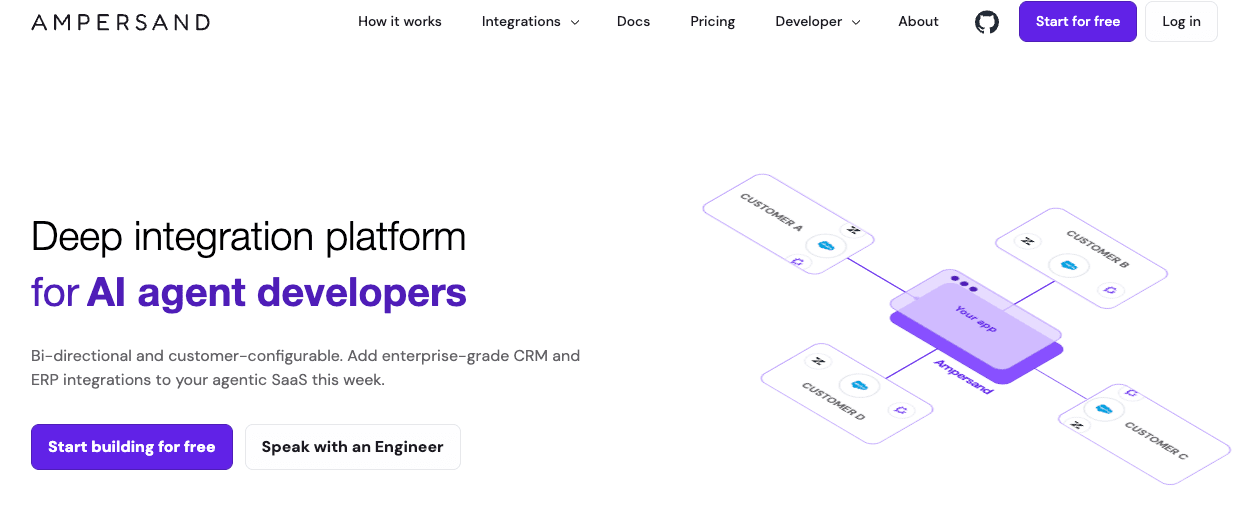
Ampersand supports deep CRM integration for engineering teams that require schema-level access to customer CRM systems rather than relying on a shared unified data model that standardizes fields across vendors. Enterprise CRM environments often include tenant-specific custom objects, proprietary fields, and configuration rules that vary across customers, and Ampersand operates directly against each customer’s actual CRM schema instead of reducing those structures to a generic model.
CRM integrations are defined through declarative YAML manifests that specify which objects to read and write, how fields map between systems, and how synchronization flows in a bi-directional manner. Each YAML manifest lives in Git, undergoes standard code review, and deploys via CI/CD pipelines, enabling CRM integrations to function as versioned infrastructure. When a customer requires access to a custom object or field, updating the YAML manifest adjusts integration behavior without introducing connector-specific code branches.
Ampersand also handles real-time CRM event delivery through Subscribe Actions, which push record changes from Salesforce and HubSpot to your application with sub-second latency. AI agents, copilots, and interactive product features can operate against the current CRM state rather than rely on scheduled polling, which is critical for use cases where data freshness directly affects automation accuracy.
For customer-facing implementations, embeddable UI components allow end users to configure field mappings and synchronization preferences directly inside your product. Customers view their actual CRM fields, select which fields to synchronize, and define the sync direction for each field, reducing onboarding friction and eliminating repetitive support requests. Ampersand’s open-source connector library supports CRM and adjacent systems, enabling engineering teams to inspect connector logic, extend functionality, and maintain full visibility into integration behavior.
Ampersand enables SaaS companies to deliver CRM integrations that align with each customer’s existing CRM configuration, maintain real-time record consistency, and support automation and AI-driven workflows within the systems customers already use.
Best For: Companies building customer-facing AI-powered B2B SaaS products that require deep, real-time CRM integration with full schema support to meet enterprise expectations.
CRM Use Cases: Bi-directional contact and deal sync, custom object read and write, real-time CRM event delivery for AI agents, CRM-to-product data pipelines, customer self-service field mapping.
Pros
- Integration-as-code: Declarative YAML manifests live in Git and deploy through CI/CD pipelines, making integration logic reviewable, testable, and versioned alongside product code.
- Sub-second real-time delivery: Subscribe Actions push record changes as webhook events with sub-second latency, supporting AI agents and interactive workflows that require the current system state.
- Full custom object and field support: Reads and writes to any CRM object or field, whether standard or custom, with per-tenant schema adaptation that avoids lowest-common-denominator constraints.
- Managed infrastructure: Authentication, token refresh, rate limiting, retry logic, and error handling run at the platform level across all CRM connectors.
- Customer-configurable field mapping: Embeddable UI components let end users map CRM fields and control sync preferences directly, reducing support overhead during onboarding.
- Usage-based pricing: Costs scale with data delivered rather than connection count or API calls. Custom objects and fields are priced the same as standard ones, with no tier gating for deep schema access.
Cons
- Requires engineering involvement to define CRM integration behavior through YAML configuration.
- Designed for deep CRM integration use cases rather than lightweight, read-only data pulls.
Pricing: Free to start with 2 GB of data delivered and support for up to 5 production customers. Paid plans start at $999 per month, with custom pricing available for higher usage and larger deployments. See pricing details →
2. Nango
Nango is a code-first integration platform that provides managed authentication and infrastructure for building API integrations. Teams implement integration logic in TypeScript functions that run on Nango’s infrastructure, with direct access to underlying CRM APIs rather than a shared data model. Nango also offers self-hosting for teams with specific security or data residency requirements.
Best For: Code-first engineering teams that want open-source integration infrastructure with direct native API access to CRM platforms.
CRM Use Cases: Two-way contact and deal sync via TypeScript functions, direct Salesforce and HubSpot API access via a managed proxy, LLM tool calling against live CRM data.
Pros
- Open-source project with publicly available connector logic
- Code-first development model using TypeScript functions
- Direct API access through a managed proxy layer
- Supports tool-based interactions for applications that programmatically read and write CRM data
Cons
- Teams assemble their own sync orchestration on top of Nango's primitives, which requires a lot more engineering effort than platforms like Ampersand that ship orchestration out of the box
- Complex pricing with multiple usage dimensions (connections, proxy requests, function runs, sync storage) makes cost forecasting difficult at scale
- Documentation gaps for less common CRM connectors can slow down initial implementation
Pricing: Free tier with 10 connections. The paid plan starts at $50/month. Custom enterprise pricing.
3. Unified
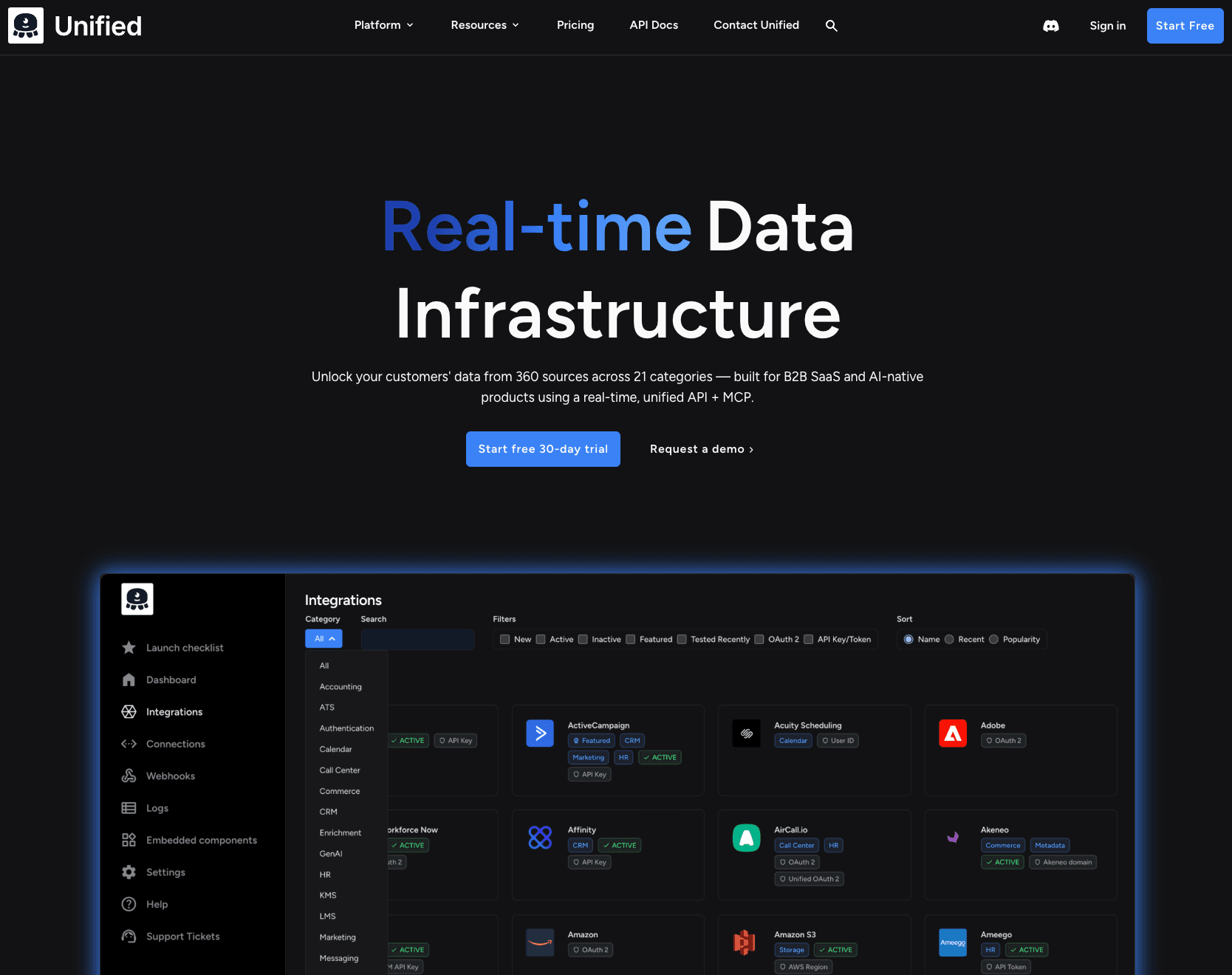
Unified offers a unified API model in which requests are routed directly to the source CRM, without background sync jobs or cached data. Unified supports a broad set of CRM integrations and includes MCP tooling that enables controlled read and write operations across connected systems, making it best-suited for products that require stateless, request-based CRM access.
Best For: SaaS tools that need a Unified API model without custom object handling.
CRM Use Cases: On-demand CRM data retrieval, AI-driven lead scoring, agent-based CRM record updates.
Pros
- Unified API coverage across multiple CRM integrations
- Requests are routed directly to the source system without background sync jobs
- MCP tooling supports controlled CRM read and write operations
Cons
- Live passthrough adds noticeable latency when querying complex CRM objects with multiple related records
- CRM write operations are less reliable than reads on several connectors
- API request-based pricing is harder to forecast when sync frequency varies or scales unpredictably
Pricing: Paid plan starts at $750+ per month with a free trial. Usage-based pricing by API request volume.
4. Paragon
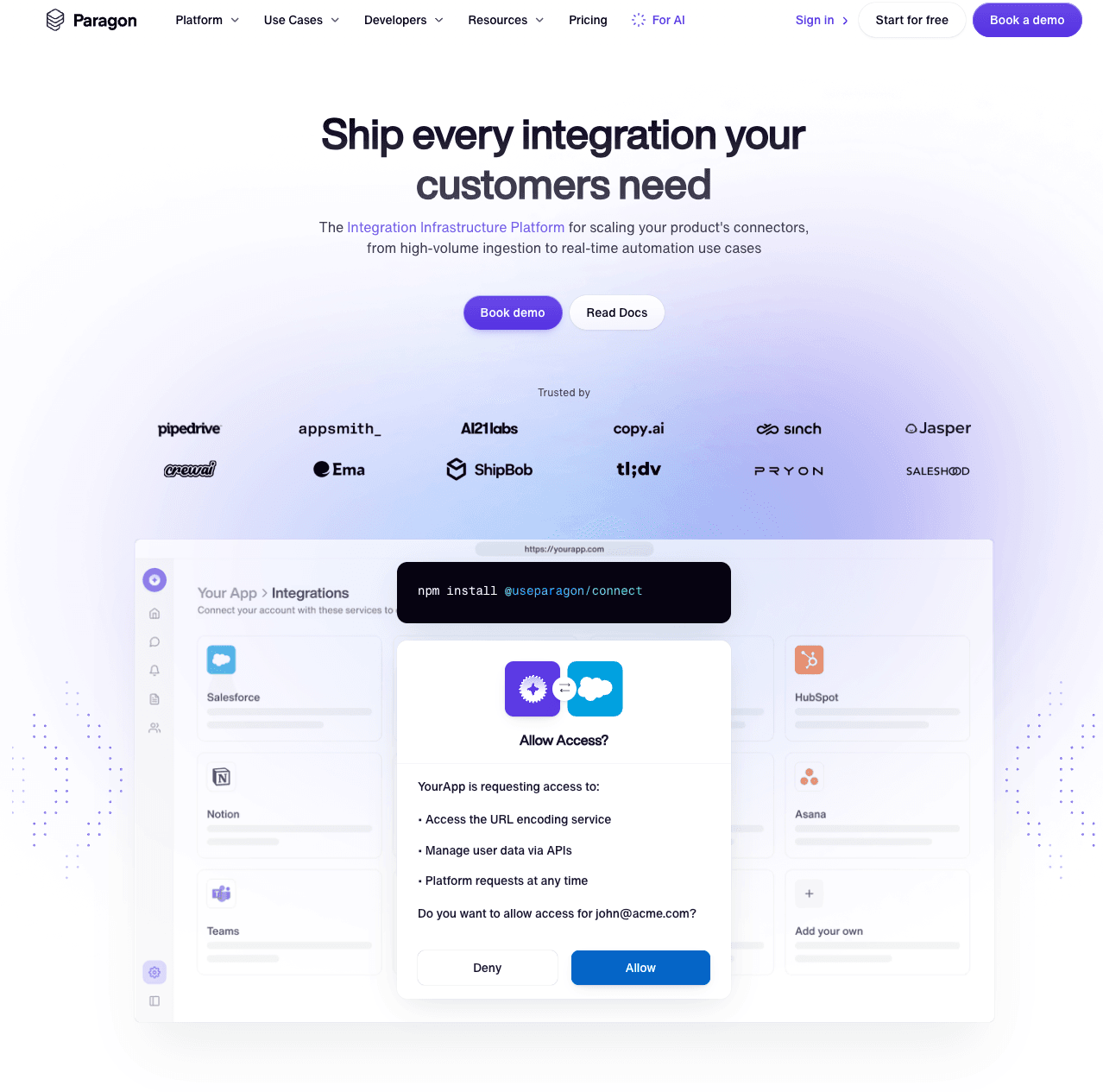
Paragon’s embedded integration platform that combines a visual workflow builder with managed authentication and a Connect Portal for customer self-service setup. Teams can implement integrations using low-code workflows or extend them through an SDK, with integration logic synced to GitHub for version control.
Best For: Teams that prefer low-code workflow orchestration for customer-facing CRM integrations.
CRM Use Cases: Customer-facing CRM integration marketplace, pre-built CRM sync workflows, managed authentication for multi-CRM environments.
Pros
- Connect Portal allows end users to authenticate and configure CRM integrations through a white-label interface
- Supports both visual workflow configuration and SDK-based implementation with GitHub synchronization
- Managed Sync handles CRM data ingestion and delivery
- Managed authentication manages OAuth token lifecycles across connected CRM providers
Cons
- No public pricing, which forces sales conversations before teams can budget or compare
- Polling based architecture introduces noisy neighbor problems which can lead to substantial queue backlogs and sync delays, especially with mid-market and enterprise customers.
- Deep bi-directional CRM sync with custom objects requires deep engineering work outside the visual builder.
- The low-code workflows created in the visual editor cannot be fully maintained in code
Pricing: A custom pricing model based on the number of connected users, with a free trial.
5. HotGlue
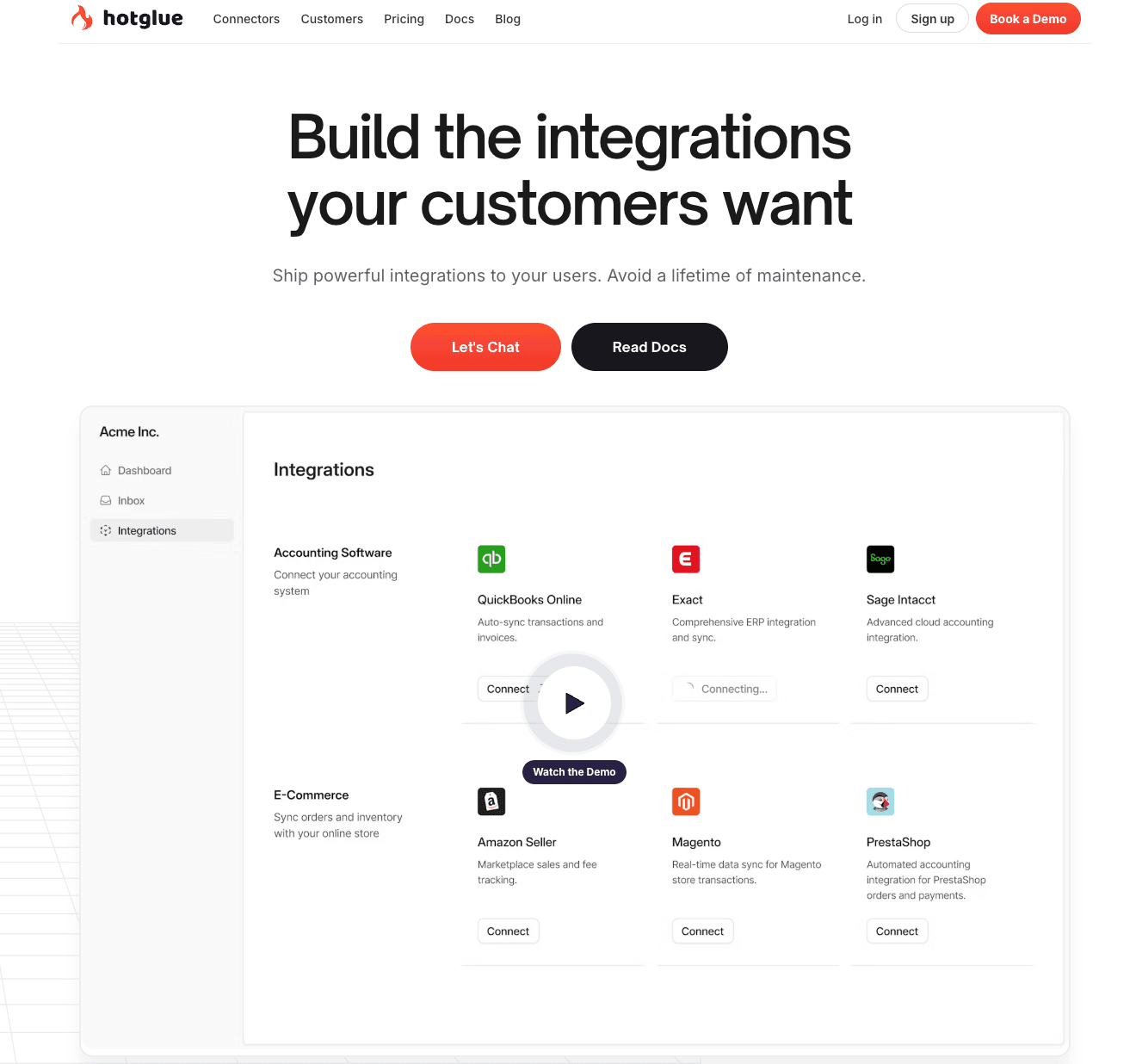
HotGlue is an embedded ETL platform built on open-source connector specifications. It provides a Python-based transformation layer between CRM systems and your backend, allowing teams to define how records are processed before delivery. End users authenticate and configure CRM imports through a white-label widget embedded within the application.
Best For: Teams that need Python-level control over CRM data transformation and ingestion with an embeddable integration UI.
CRM Use Cases: Bulk CRM data imports from Salesforce and HubSpot, CRM data normalization, customer-facing CRM connection management.
Pros
- Open-source connector library with support for building custom connectors through a Python SDK
- Python-based transformation layer for processing CRM data before delivery
- White-label widget and React components for embedded CRM connection setup
- Supports field mapping through configuration, scripting, or programmatic control
Cons
- Primarily designed for data extraction rather than bi-directional CRM sync, which limits write-back use cases
- The embeddable widget does not yet support customer-controlled sync scheduling
- Dashboard and SDK customization are still maturing compared to more established integration platforms
Pricing: Custom pricing based on the number of active tenants.
Comparison Table: Best CRM Integration Tools 2026
| Tool | Category | Starting Price | Best For | Notable CRM Features |
|---|---|---|---|---|
| Ampersand | Deep Integration Infrastructure | Free (2 GB) | Customer-facing bi-directional CRM sync | Declarative YAML, Subscribe Actions, per-tenant custom objects and fields, usage-based pricing |
| Nango | Open-Source Integration Infrastructure | Free (10 connections) | Code-first teams needing direct CRM API access | 600+ APIs, TypeScript functions, MCP server, self-hosting option |
| Unified | Unified API | Free trial | AI products needing real-time CRM data | Zero storage, MCP support, 46+ CRM integrations, regionalized routing |
| Paragon | Embedded iPaaS | Free trial | Low-code CRM workflow orchestration | Connect Portal, visual builder, managed auth, GitHub sync |
| HotGlue | Embedded ETL | Custom (active tenants) | Python-controlled CRM data ingestion | 600+ open-source connectors, Python transforms, white-label widget |
Ready to build deep, bi-directional CRM integrations? Start free with Ampersand today →
Why Ampersand Is the Best CRM Integration Platform
In CRM-driven products, integration depth determines whether your product earns trust in enterprise environments. Basic connectivity may be sufficient for demos, but production systems require consistent data flow, tenant-level flexibility, and real-time alignment with how customers actually run their CRM.
Ampersand gives product teams the confidence to support complex customer configurations without slowing roadmap velocity over time. Instead of choosing between speed and control, teams gain both the flexibility to match each customer’s CRM environment and the reliability required for automation, reporting, and AI-driven workflows to operate correctly in production.
Ampersand positions CRM integration as a durable foundation, allowing teams to win enterprise accounts and support long-term growth without rearchitecting CRM connectors every quarter. Start building deep CRM integrations with Ampersand for free →
How We Chose the Best CRM Integration Tools
We evaluated CRM integration platforms against the criteria below, which reflect real production requirements for product engineering teams.
Integration depth: Whether the platform supports read and write operations across both standard and custom CRM objects, including tenant-specific fields and bi-directional synchronization. Products that update deal records, log activities, or modify account data inside customer CRMs require full bi-directional write support across both standard and custom objects.
Real-time capabilities: If CRM events are delivered through webhooks or similar push mechanisms rather than scheduled polling. Interactive features and AI-driven workflows depend on immediate record updates, and delayed synchronization can degrade product behavior.
Deep integration capabilities: No two CRMs look the same, and needs for a CRM vary customer to customer. Having a platform that is capable of handling all customer needs by breadth and depth, without hacked workarounds, is paramount for a lasting solution.
Developer experience: Whether the platform supports code-first workflows compatible with version control and CI CD pipelines, or relies primarily on visual builders. Integrations that move through standard review and deployment processes are easier to maintain and audit over time.
Authentication management: How the platform handles OAuth flows, token refresh cycles, and credential lifecycle management across customer accounts. CRM systems enforce strict token policies, and connection failures during synchronization must be handled consistently.
Observability: Reviews the availability of structured logs, dashboards, and alerting mechanisms. Production CRM integrations require clear visibility into synchronization status to prevent silent failures and long-term data divergence.
Pricing predictability: Analyzes how costs scale as customer count and data volume increase. Pricing models based on connections, API calls, or data usage produce different long-term cost profiles, and alignment with product economics is critical.
CRM Integration Tools FAQs
What is a CRM integration tool?
A CRM integration tool connects CRM systems with other business applications through managed authentication, field mapping, and data synchronization. Instead of maintaining separate API integrations for each CRM platform, engineering teams rely on a dedicated integration layer to manage connectivity, schema handling, and operational reliability.
What is the difference between a unified API and deep integration infrastructure for CRM?
A unified API consolidates multiple CRM providers into a shared data model, enabling teams to integrate once and gain broad platform coverage through normalized endpoints. Unified APIs work well when products only need access to standard CRM objects in a consistent format.
A deep integration platform like Ampersand operates directly against each customer’s CRM schema rather than translating data into a common model, preserving access to tenant-specific objects and full write capabilities, while supporting event-driven data delivery for workflows that require up-to-date CRM state. For products that depend on flexible schema access and reliable synchronization, the deep integration model avoids the structural limitations introduced by normalization.
How do I choose the right CRM integration tool?
Start by identifying which CRM platforms your customers use and mapping them to the objects and fields your product must read or write. If requirements are limited to standard objects within a single platform, a direct API integration may be sufficient.
When the roadmap includes multiple CRM platforms, custom objects, per-tenant field mappings, or real-time delivery for AI features, the engineering cost of maintaining direct connections grows faster than most teams anticipate. Ampersand's declarative framework lets teams define CRM integration behavior in configuration rather than building per-vendor infrastructure, which keeps engineering effort focused on product development as CRM coverage scales.
Is Ampersand better than Nango for CRM integrations?
Nango and Ampersand both follow a code-first approach, but they differ in how much integration infrastructure each platform manages. Nango provides managed authentication and a framework for building sync logic, enabling engineering teams to assemble their own sync infrastructure.
Ampersand ships the full orchestration layer out of the box. Teams define CRM sync behavior in declarative YAML manifests, and Ampersand handles schema discovery, field mapping execution, retry logic, and real-time event delivery through Subscribe Actions. For teams that want deep CRM access with less assembly work, and especially those building AI features that need sub-second CRM data, Ampersand provides production-ready orchestration that Nango leaves to the engineering team to build.