 Back to articles

Best Native Integration Tools for SaaS Companies (2026)
A complete breakdown of native integration tools for SaaS, comparing real-time sync, custom object depth, and scalability across modern platforms

Chris Lopez
Founding GTM
Best Native Integration Tools for SaaS Companies (2026)
TL;DR
- Native integrations are customer-facing connections built into your product, not bolt-ons or internal workflow glue.
- Depth matters more than breadth: custom objects, real-time sync, and configurable field mapping per account separate enterprise-grade platforms from generic connector libraries.
- Ampersand leads for depth-first native integrations with event-driven webhook delivery, full custom object access on all tiers, and token portability.
- Other tools serve narrower use cases: Nango for auth-layer flexibility, Paragon for visual builders, Merge for standard-field breadth.
- For more on what engineering teams actually need, see Product Integrations for B2B SaaS.
What Is a Native Integration?
A native integration is a customer-facing connection built directly into a SaaS product. It lets your customers connect their own external systems (CRM, ERP, HRIS, ticketing) to your product as part of their normal workflow. The integration lives inside your product experience, not in a third-party automation layer your customer has to configure separately.
Native integrations are different than internal integrations. Internal integrations connect systems your own team controls, like syncing your data warehouse to your analytics dashboard. Native integrations must operate within your customers' environments, handling diverse schemas, permission models, and production-scale load across hundreds or thousands of accounts.
Three Native Integration Approaches, and Why Depth Wins
The market for native integration tools breaks into three categories, each with different tradeoffs.
Deep integration infrastructure (Ampersand): Code-first, declarative, managed. Full API access to standard and custom objects, event-driven webhook delivery in under one second, account-level field configuration. Built for teams that need to read, write, and sync data at the depth their enterprise customers require.
Embedded iPaaS (Paragon, Prismatic, Workato): Visual workflow builders with trigger-action automations. Customer-facing, but abstracted behind polling-based sync architectures with 15-30 second latency. Good for batch workflows and scheduled pipelines, less suited for real-time or AI agent use cases.
Unified API (Merge, Nango): Normalized schema layers that abstract multiple providers behind a single endpoint. Fast to ship for standard-field reads, but limited when customers need custom objects, field-level configuration, or near-instant data freshness.
The depth argument comes down to three realities. First, AI agents need sub-second CRM context to function in conversational UX; polling architectures that deliver data every 15-30 seconds break that loop entirely. Second, enterprise procurement teams flag vendor lock-in when a platform holds your OAuth tokens and offers no export path. Third, account-level field mapping is non-negotiable when every customer's Salesforce instance has a different schema, because building integration logic in-house for each account breaks at scale.
How We Chose the Best Native Integration Tools
We evaluated each platform against six criteria that consistently determine success or failure when shipping customer-facing integrations at scale.
- Real-time sync architecture. Event-driven webhooks vs. polling latency (15-30 seconds or worse). Real-time delivery is the baseline for AI agent readiness.
- Custom object support. Native read/write access to objects like
Product_Configuration__cvs. passthrough workarounds or no support at all. - Account-level field mapping. Available on all pricing tiers vs. gated to enterprise plans. Every mid-market CRM is configured differently.
- Token portability. You own and can export OAuth tokens vs. the vendor holds them with no migration path.
- Implementation speed. Can a team ship a working integration in days or weeks, not months?
- AI/agent readiness. Webhook delivery speed, MCP/SDK support, and whether AI coding agents can build integrations directly.
The 6 Best Native Integration Tools for SaaS Companies (2026)
1. Ampersand
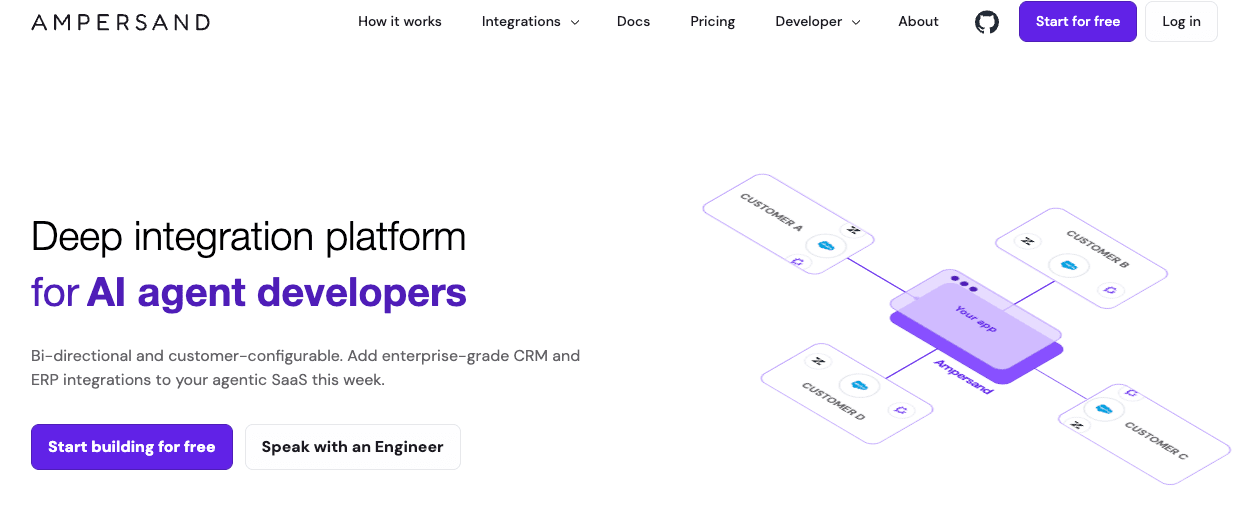
Best for: Deep, real-time native integrations for enterprise SaaS.
Real-Time Sync with Event-Driven Webhooks
Ampersand uses an event-driven architecture called Subscribe Actions that delivers webhooks in under one second. There is no polling loop, no 15-30 second lag sitting between your product and your customer's CRM. The latency difference is measurable: 11x, an AI phone agent company, cut their CRM response time from 60 seconds to 5 seconds after switching to Ampersand's Subscribe Actions.
Rate limiting, retries, and throttling are managed automatically. Your engineering team doesn't need to build or maintain sync infrastructure to get production-grade reliability.
Custom Object Mapping
Ampersand provides full native API access to read and write any standard or custom object. If your customer's Salesforce instance has a Product_Configuration__c object, Ampersand can sync it directly. Unified APIs typically cannot handle these objects at all or require passthrough workarounds that shift the engineering burden back to your team.
The 250+ open-source connectors are Go libraries published on GitHub, so your team can inspect, fork, or contribute to them. Custom object support is available on all tiers, not gated behind enterprise pricing.
Configurable Field Mapping Per Account
Every customer's CRM is configured differently. Ampersand ships white-labeled React components that let each customer map their own fields through a UI embedded in your product. This capability is available on every pricing tier.
Competitors like Paragon gate field mapping configuration to their Enterprise plan. Without that flexibility on lower tiers, teams end up writing custom logic for each account or forcing customers into a rigid schema.
Full Token Portability
With Ampersand, you own the OAuth tokens. You can import existing credentials from another platform and export them if you ever leave. Your customers never have to re-authenticate if you switch providers.
When platforms like Merge, Paragon, or Workato hold your OAuth tokens with no export path, switching means every connected customer goes through re-authentication. That creates real procurement risk for buyers evaluating your product, and it creates operational pain for your team if you ever need to migrate.
Integration as Code
Integrations are defined in declarative YAML (amp.yaml) that lives in Git alongside your application code. Standard CI/CD pipelines apply: version control, code review, automated testing, rollback. Your integration definitions live where engineers already work, not in a separate visual builder.
AI coding agents like Claude Code and Cursor can build and modify Ampersand integrations directly because the configuration is plain text in a repository. Ampersand also offers a Docs MCP that can spin up a working integration in minutes, reducing the gap between "evaluating" and "shipping."
Pros
- Subscribe Actions deliver webhooks in under one second with no polling lag, giving AI agents and conversational UX the data freshness they require.
- Custom objects and account-level field mapping are available on all pricing tiers, not gated behind enterprise plans.
- You retain full ownership of OAuth tokens with import/export support, eliminating lock-in and re-authentication risk during migrations.
- Integration config lives as YAML in Git, making it version-controlled, CI/CD compatible, and directly buildable by AI coding agents like Claude Code and Cursor.
- The AI SDK and Docs MCP let teams spin up a working integration in minutes, compressing the path from evaluation to production.
- Ampersand holds SOC 2 Type II, GDPR, and ISO 27001 certifications, meeting the compliance bar enterprise procurement teams expect.
Cons
- YAML learning curve. The declarative configuration takes some ramp-up time, though the Docs MCP and documentation reduce friction significantly.
- 250 connectors vs. 500+. Nango offers a larger connector library today. Ampersand's library is growing, and the team has prioritized connector depth over raw count.
- No visual builder. Non-technical users cannot drag and drop workflows. Ampersand is built for engineering teams, not ops teams building automations.
Pricing
- Free: 2 GB one-time credit, up to 5 customers.
- Catalyst: $999/month, 2 GB/month, up to 25 customers.
- Accelerate: Custom (annual), up to 200 customers.
- Enterprise: Custom, unlimited customers.
- Usage-based credits per action (1 read = 1 credit). Full details at Ampersand pricing.
Voice of the User
Eric Engoron on the engineering team at Clay called Ampersand: "the first developer platform that gets it right."
2. Paragon
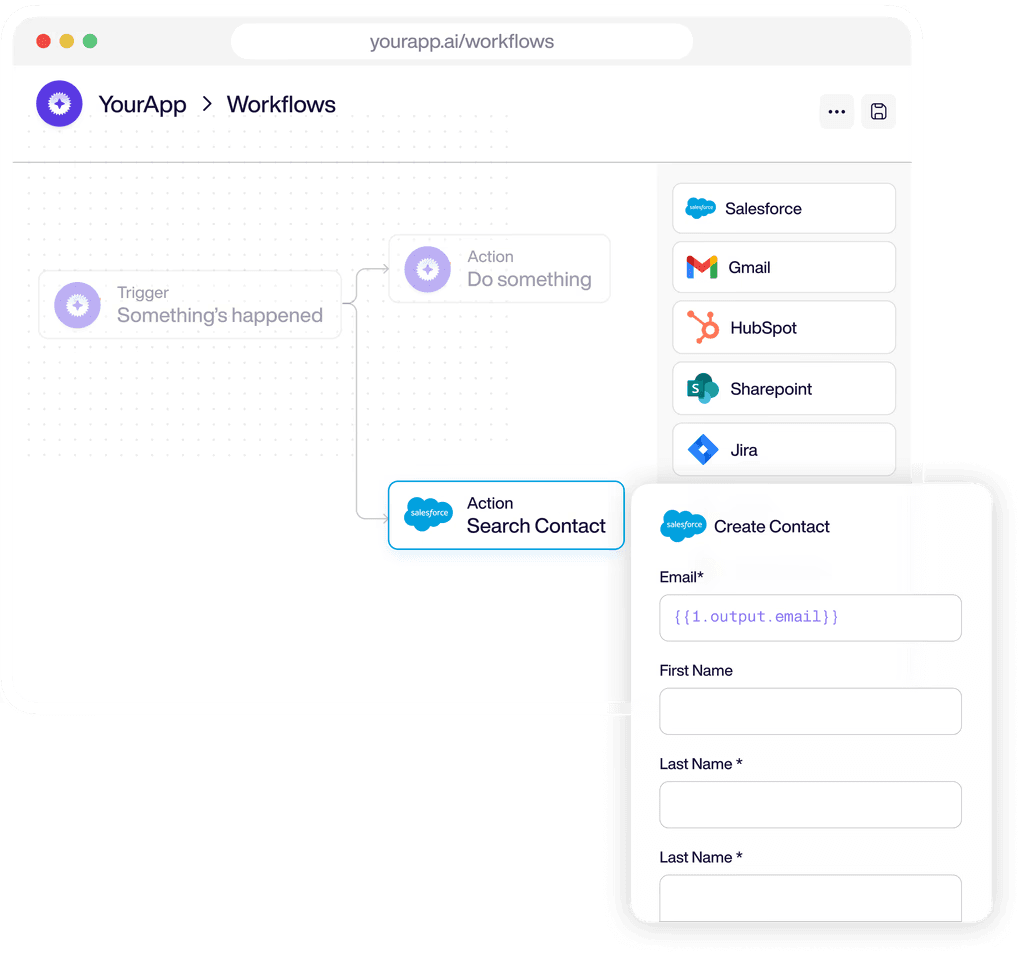
Best for: Visual workflow builder for scheduled integration pipelines.
Paragon is an embedded integration platform for B2B SaaS product teams. It offers a visual builder (low-code) alongside the Paragraph code framework. Sync is polling-based with 15-30 second latency, and the vendor holds OAuth tokens.
Pros
- Visual builder ships fast. Reduces initial engineering lift for teams that want to prototype integrations quickly using low-code workflows.
- Managed Sync for RAG pipelines. Scheduled data ingestion for retrieval-augmented generation and batch workflows is a well-supported use case.
- Broad connector coverage. Covers common SaaS categories with a solid library of pre-built integrations.
Cons
- 15-30s polling latency. Real-time AI agent and conversational UX use cases are not viable at this sync speed.
- Field mapping and RBAC are Enterprise-only. SSO is also gated to the Enterprise tier, which limits flexibility on lower plans.
- Vendor holds OAuth tokens. No documented export path; switching platforms means every connected customer re-authenticates.
- ~50 approved npm packages. Custom code is restricted to a curated package list, limiting what you can build.
- No free tier. 14-day trial only; contact sales for pricing.
Pricing
- No public pricing
3. Nango
Best for: Code-first auth with broad connectors and token portability.
Nango provides code-first integration building blocks for you to assemble your own sync infrastructure on top. The connector library is the largest in the category at 500+, and you own your OAuth tokens with export supported. However, Nango does not include managed sync infrastructure.
Pros
- 500+ connectors. The broadest pre-built connector library available, covering a wide range of SaaS APIs.
- You own your credentials. OAuth tokens are yours to import and export, giving you a clean migration path.
- Free self-hosted tier. Teams that need to run auth infrastructure on their own servers can start without cost.
- Starts at $50/month. The lowest entry price among paid tiers in this comparison.
Cons
- No managed sync infrastructure. You build rate limiting, retries, and throttling yourself, which adds ongoing engineering maintenance.
- Custom object mapping is DIY. Nango provides auth and connection management, not object-level sync logic.
- 15-30s polling. No event-driven webhook delivery, which limits real-time and AI agent use cases.
- No AI SDK or MCP. AI coding agents cannot scaffold or modify integrations through Nango's tooling.
Pricing
- Starts at $50/month for managed cloud. Self-hosting has a free tier.
4. Merge
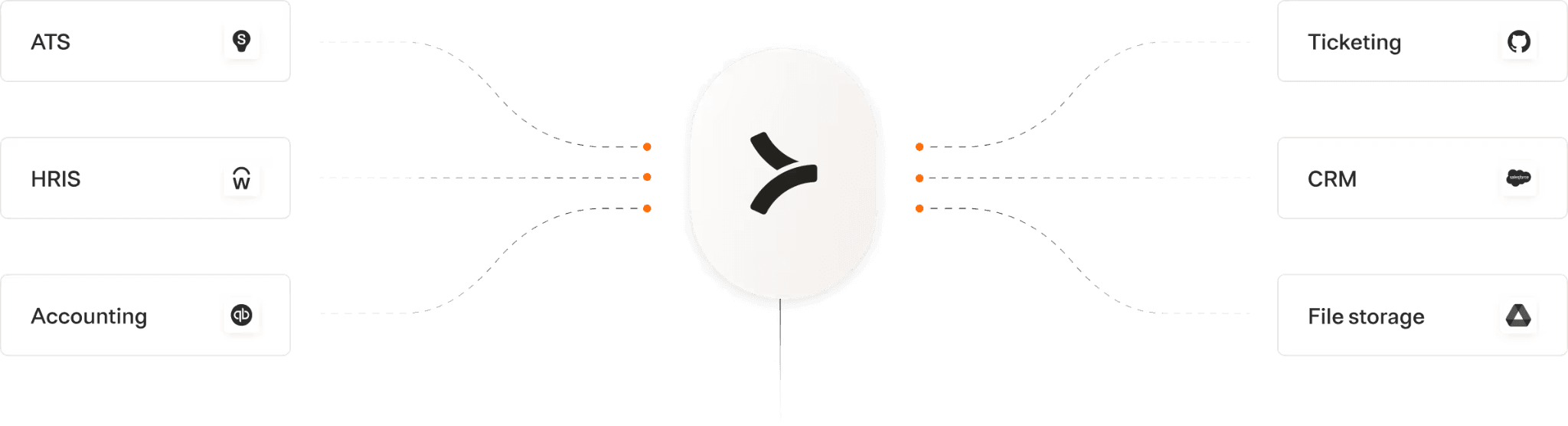
Best for: Quick standard-field reads across many SaaS categories.
Merge is a unified API platform with 220+ connectors across 6 categories (CRM, HRIS, ticketing, accounting, and others). It normalizes data into common models. Sync relies on a 15-minute to 24-hour cache, and the vendor holds OAuth tokens.
Pros
- Normalized data models. A single schema per category reduces per-connector engineering for standard fields.
- 220+ connectors across 6 categories. Broad coverage for teams that need quick access to standard data across many SaaS tools.
- Fast time-to-first-integration. Standard use cases (reading contact records, syncing employee data) can ship quickly.
Cons
- 15-min to 24-hr data cache. Not suitable for real-time use cases or AI agents that need fresh CRM context.
- Custom objects are passthrough only. No native access; workarounds shift engineering effort back to your team.
- No account-level field mapping. Not supported natively, which limits enterprise deployments where every customer's schema is different.
- Vendor holds OAuth tokens. No export; switching means every customer re-authenticates.
Pricing
- No public pricing.
5. Prismatic
Best for: Embedded iPaaS with a self-serve integration marketplace.
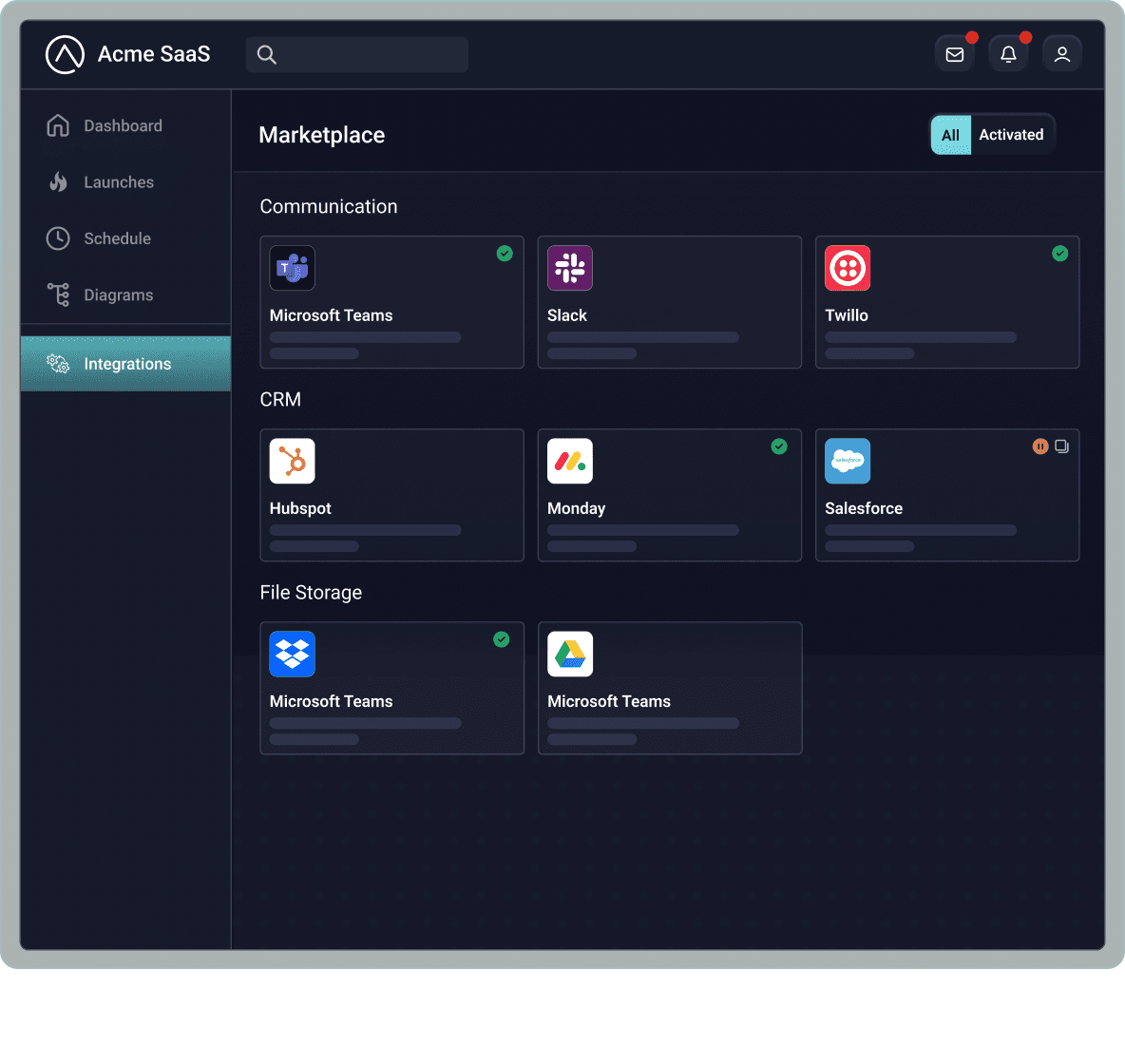
Prismatic is an embedded iPaaS for B2B SaaS that offers both code-native and low-code builder options. Its standout feature is an integration marketplace component that can be embedded directly in your product. The vendor holds OAuth tokens, and sync is polling-based.
Pros
- Integration marketplace out of the box. Customers can browse, configure, and enable integrations themselves through a component in your product.
- Code-native and low-code flexibility. Teams can choose the approach that fits their engineering culture.
- Usage-based per integration instance. Pricing scales with actual deployment, not connected users.
Cons
- Vendor holds OAuth tokens. No documented export path, creating switching risk.
- Polling-based sync. Not built for real-time data delivery or AI agent responsiveness.
- Starts at ~$500/month. Contact sales for full pricing details beyond the entry tier.
Pricing
- No public pricing.
6. Workato Embedded
Best for: Enterprise internal automation across 1,200+ connectors.
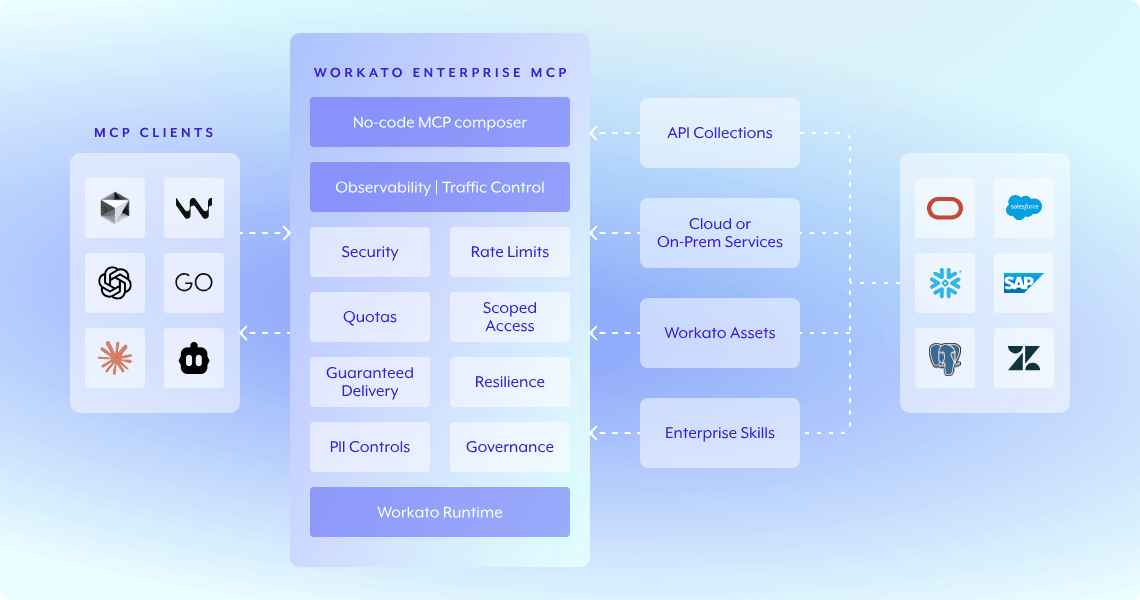
Workato is an enterprise iPaaS with the broadest connector library on the market at 1,200+. It uses a visual recipe builder and is designed primarily for internal automation workflows. Sync is polling-based, and the vendor holds OAuth tokens.
Pros
- 1,200+ connectors. The largest library in the category, covering virtually every enterprise SaaS tool and on-prem system.
- Established enterprise presence. Strong community, documentation, and track record with large organizations.
- Visual recipe builder. Non-technical teams can build and modify internal workflows without engineering support.
Cons
- Reported to start around $84K-$128K+/year. Pricing is opaque and typically quoted well above what most mid-market SaaS teams budget for integration infrastructure.
- Visual recipes and AI agents don't mix. Recipes cannot be built or modified by AI coding agents, limiting automation of the integration development process itself.
- Polling-based sync. Not suitable for real-time native integrations or AI agent use cases.
- Vendor holds OAuth tokens. No export, creating vendor lock-in risk.
Pricing
- No public pricing
Summary Comparison Table
| Tool | Starting Price | Best For | Real-Time Sync | Custom Objects | Credential Ownership |
|---|---|---|---|---|---|
| Ampersand | Free / $999/mo | Deep native integrations, AI agents | Sub-second webhooks | Native, all tiers | You own |
| Paragon | No public pricing | Visual builder, RAG pipelines | 15-30s polling | Limited | Vendor holds |
| Nango | $50/mo | Code-first auth layer | 15-30s polling | Build yourself | You own |
| Merge | No public pricing | Standard-field breadth | 15-min to 24-hr cache | Passthrough only | Vendor holds |
| Prismatic | No public pricing | Integration marketplace | Polling | Limited | Vendor holds |
| Workato Embedded | No public pricing | Enterprise internal automation | Polling | Limited | Vendor holds |
Start building with Ampersand for free.
Why Ampersand Is the Depth-First Choice for Native Integrations
No other platform in this comparison delivers event-driven webhooks under one second, native custom object access, configurable field mapping at the account level, and full OAuth token portability on every pricing tier. Most tools force you to choose: real-time or breadth, custom objects or simplicity, portable credentials or managed infrastructure. Ampersand collapses those tradeoffs into a single declarative YAML config that lives in Git and can be built by AI coding agents.
For B2B SaaS teams selling into mid-market and enterprise accounts, integration depth determines whether your product can serve as a system of record or just another data silo. Polling latency, restricted custom objects, and vendor-held tokens are not abstract limitations; they surface during enterprise procurement, during AI agent development, and during every customer onboarding where the CRM schema doesn't match your assumptions. See how it works.
FAQs
What is a native integration?
A native integration is a customer-facing connection built directly into a SaaS product. It operates within your customers' workflows, letting them connect their own CRM, ERP, or HRIS to your product without leaving your UI. Native integrations differ from internal integrations, which connect systems the vendor controls rather than systems the customer controls.
Is Ampersand better than Paragon for native integrations?
Ampersand delivers event-driven webhooks in under one second via Subscribe Actions; Paragon polls at 15-30 second intervals. Ampersand includes account-level field mapping on all pricing tiers, while Paragon gates that feature to its Enterprise plan. Ampersand gives you ownership of OAuth tokens with import/export support, while Paragon holds tokens with no documented export path.
How do native integrations relate to AI agents?
AI agents that interact with CRM data in real time need near-instant context delivery. Polling architectures with 15-30 second latency create gaps in conversational UX where the agent lacks current information. 11x cut their AI phone agent's CRM response time from 60 seconds to 5 seconds using Ampersand's Subscribe Actions, demonstrating the practical difference between event-driven and polling-based sync.
What are the best alternatives to Paragon for native integrations?
Ampersand is the strongest alternative for teams that need real-time sync, portable OAuth credentials, and configurable field mapping without enterprise-tier pricing requirements. Nango suits teams that want a code-first auth layer with 500+ connectors and full token ownership, though you build your own sync infrastructure. Prismatic offers an embedded iPaaS with an integration marketplace component for teams that want customer-facing self-serve configuration.